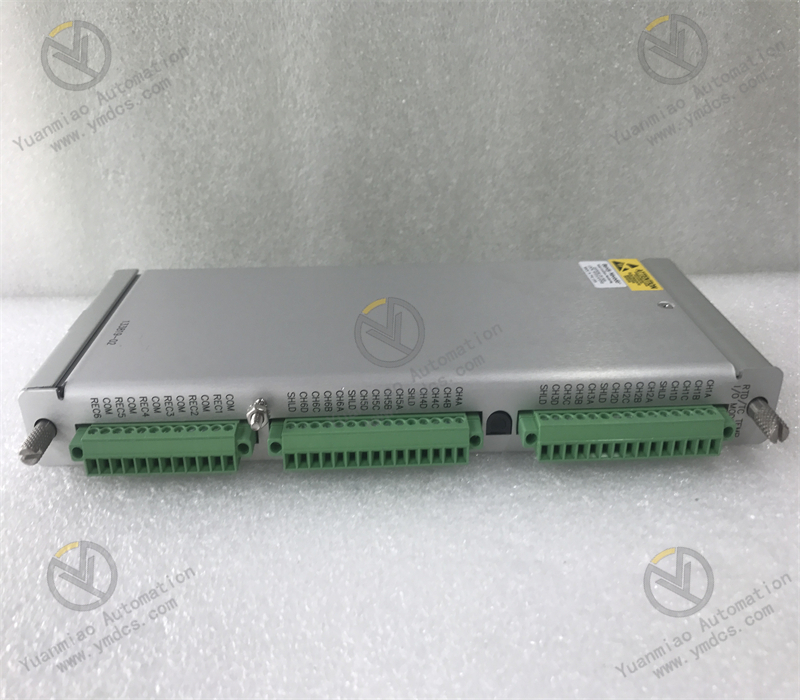
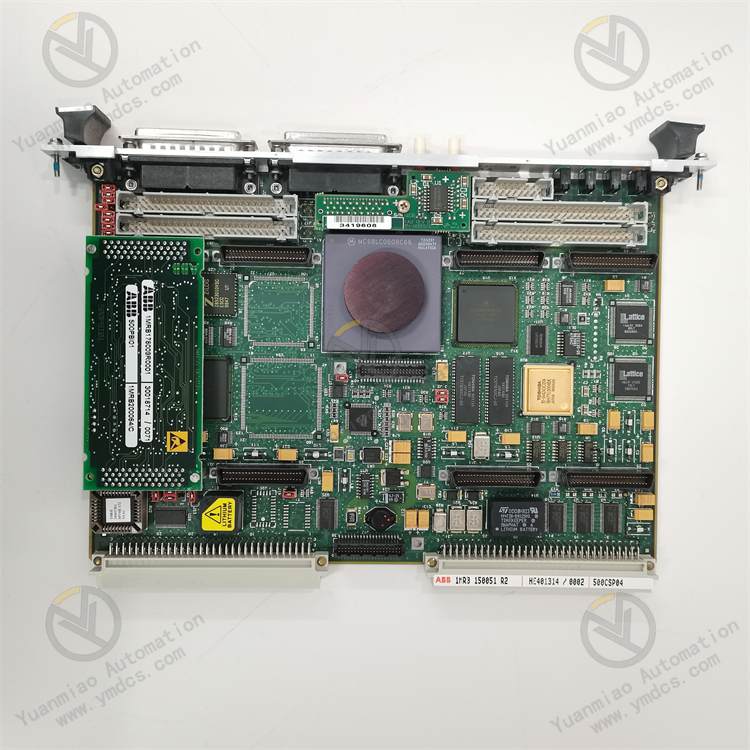
Description
ABB CI871 3BSE092693R1
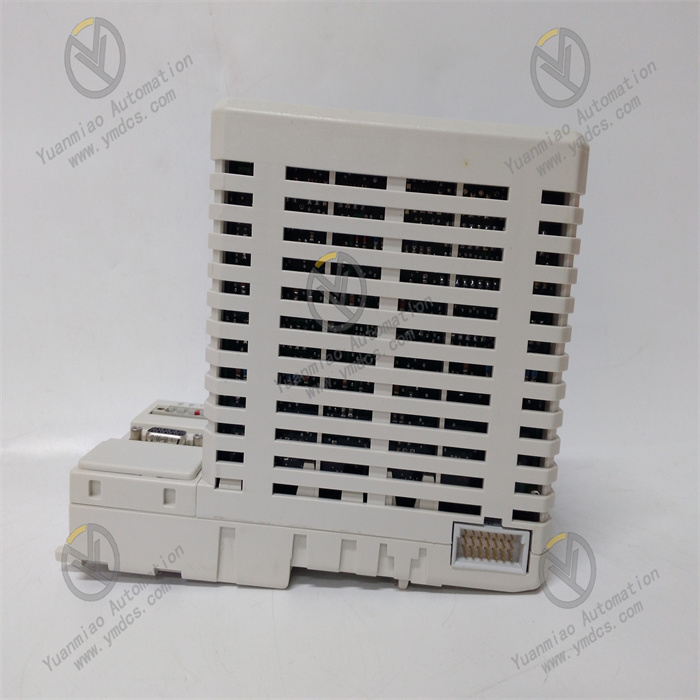
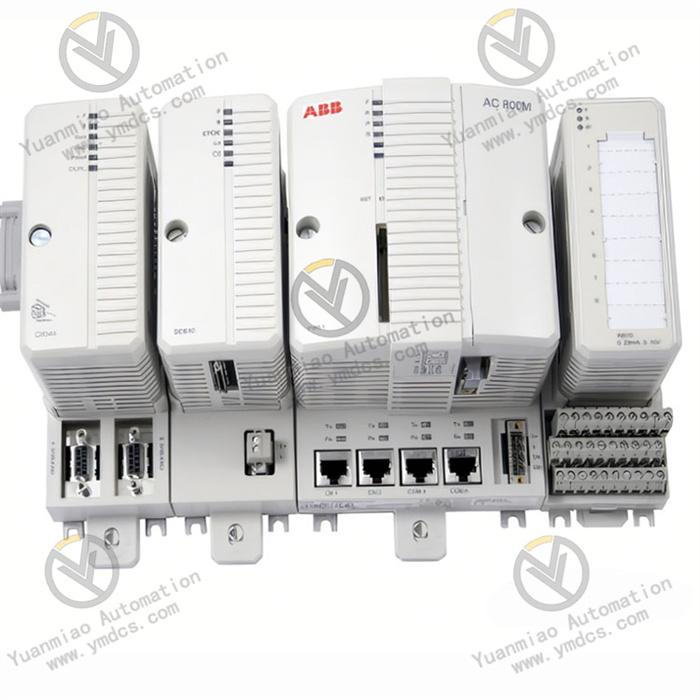
ABB CI871 3BSE092693R1 is a PROFIBUS DP-V1 master communication module, belonging to the communication product series supporting ABB Symphony Plus DCS system. It is specially designed and developed for mainstream ABB control systems such as AC 800M controllers. As a core communication bridge between the controller and field intelligent devices, the module exchanges data efficiently with the main controller via the backplane bus, and supports the PROFIBUS DP-V1 protocol. It realizes high-speed data transmission, real-time monitoring and alarm processing with lower-level devices such as frequency converters and remote I/O modules, and is widely used in industrial fields with high requirements for production continuity and data reliability, including power, petrochemical, metallurgical and papermaking industries.
It has core advantages such as multi-protocol compatibility, redundant backup and fault self-diagnosis. With a maximum communication rate of up to 12 Mbps and support for up to 126 slave devices, it can fully meet the expansion requirements of large-scale distributed control systems. Its modular design supports hot swapping and standard DIN rail mounting, and combined with intuitive LED status indication, it greatly improves the convenience and efficiency of on-site installation and operation & maintenance.
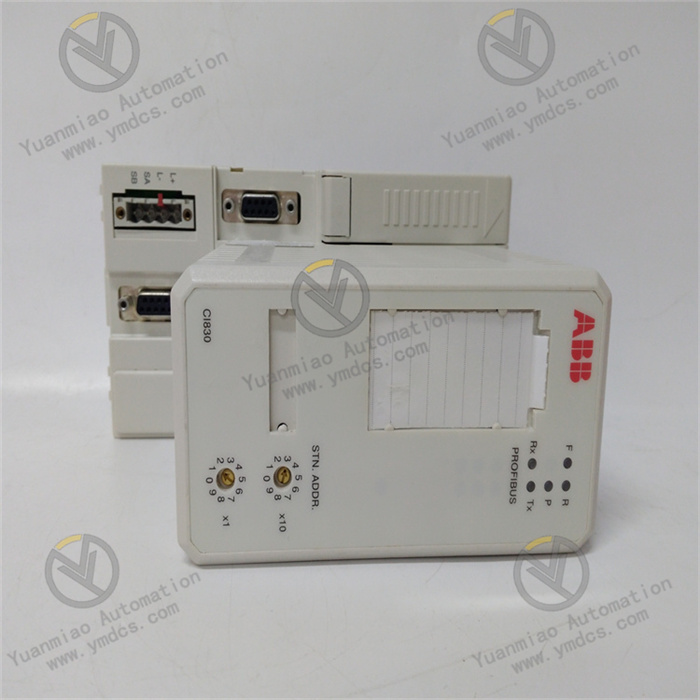
It mainly supports the PROFIBUS DP-V1 protocol and is compatible with two communication specifications: DP-V0/DP-V1. It can realize cyclic data exchange (DP-V0) and acyclic data exchange (DP-V1), meeting the requirements of real-time control and equipment diagnosis in complex industrial scenarios. With a maximum communication rate of up to 12 Mbps, it supports the automatic baud rate detection function, which can automatically adapt to the optimal transmission rate according to the field network environment, improving communication flexibility.
It supports redundant master configuration. Two modules can be connected to the same PROFIBUS network in parallel to form an active-standby hot redundancy architecture. When the master module fails, the standby module can take over the bus control right within milliseconds, ensuring uninterrupted communication links and production continuity. The module has a built-in DC/DC converter, which obtains stable power supply from the +24V power source through the CEX bus. It has electrical protection capabilities such as overvoltage protection and anti-electromagnetic interference, adapting to harsh industrial environments.
It has a built-in complete status monitoring and fault diagnosis mechanism, which can monitor key information such as bus communication status, slave connection integrity and error count in real time, and feed back diagnosis data synchronously through the controller or upper monitoring system. The front panel is equipped with multiple groups of LED indicators, which intuitively display power status, module operation status, bus activity and fault alarms, facilitating on-site operation and maintenance personnel to quickly locate and troubleshoot problems.
The modular structure design supports flexible system expansion. It is perfectly compatible with ABB 800xA DCS system and AC 800M controller, and can seamlessly integrate third-party PROFIBUS DP slave devices. It supports the hot swapping function, allowing module replacement and maintenance without stopping the system, which greatly reduces the risk of system downtime and maintenance costs.
- Model: CI871AK01
- Ordering Code: 3BSE092693R1
- Brand: ABB
- Product Type: PROFIBUS DP-V1 Master Communication Module
- Applicable Systems: ABB AC 800M controller, 800xA DCS system (supporting versions 6.0.3.3, 6.1.1 and subsequent releases)
- Communication Protocol: PROFIBUS DP-V1 (compatible with DP-V0)
- Maximum Transmission Rate: 12 Mbps (supporting automatic baud rate detection)
- Number of Supported Slaves: Up to 126
- Communication Interfaces: 1 PROFIBUS 9-pin Sub-D electrical interface, ST-type optical fiber interface (suitable for long-distance transmission)
- Communication Distance: Up to 100-1200 meters in electrical interface mode depending on baud rate; several kilometers in optical fiber interface mode
- Power Supply Mode: Powered via backplane bus (+5VDC), no bus power supply provided (external configuration required)
- Extended Power Supply: Obtains power from +24V power source through CEX bus, typical power consumption 160 mA
- Power Supply Protection: With reverse connection protection and overvoltage protection functions
- Operating Temperature: 0°C ~ 60°C (normal working conditions); 5°C ~ 55°C supported in some adaptive scenarios
- Storage Temperature: -40°C ~ 85°C
- Relative Humidity: 5% ~ 95% (non-condensing)
- Protection Grade: IP20 (compliant with EN60529 and IEC 529 standards)
- Altitude: ≤2000 meters (compliant with IEC/EN 61131-2 standard)
- Pollution Degree: Degree 2 (compliant with IEC/EN 61131-2 standard)
- Corrosion Resistance Grade: G3 (compliant with ISA 71.04 standard)
- Mounting Method: Standard 35mm DIN rail mounting or plug-in mounting (FLD or Segment Coupler slot)
- Dimensions: 59mm (width) × 186mm (height) × 127.5mm (depth)
- Net Weight: Approximately 0.7kg
- Housing Material: Industrial-grade flame-retardant insulating material
The core working logic of the ABB CI871 3BSE092693R1 module is "controller interaction - protocol conversion - field communication - status feedback". It achieves efficient and stable industrial communication through the collaboration of multiple links, and the specific working process is as follows:
Controller Interaction: The module establishes a connection with the AC 800M main controller via the backplane bus, receives control commands and configuration parameters issued by the controller, and feeds back data uploaded by field devices to the controller, realizing two-way data interaction.
Protocol Conversion: The built-in dedicated protocol processing unit converts the internal data format of the controller into the standard format of the PROFIBUS DP-V1 protocol, and reversely converts the DP protocol data uploaded by field devices into a format recognizable by the controller, ensuring cross-device data compatibility.
Field Communication: It establishes communication links with field slave devices through PROFIBUS electrical or optical fiber interfaces, completes real-time transmission of cyclic data (such as equipment operating parameters and control signals) according to preset baud rate and communication cycle, and processes the interaction of acyclic data (such as equipment diagnosis information and parameter configuration commands).
Status Feedback and Protection: It monitors the status of communication links, module operation and slave devices in real time. When faults such as communication interruption and parameter abnormality are detected, it immediately issues an alarm through LED indicators and uploads fault information to the controller; if redundancy configuration is enabled, the master-standby module switch is automatically triggered in case of failure to ensure communication continuity.
Select an indoor, dry and well-ventilated installation location, away from high-temperature heat sources (such as steam pipes and equipment exhaust ports), strong electromagnetic interference sources (such as frequency converters and high-voltage busbars) and corrosive gases and liquids; control the ambient temperature within 0°C ~ 60°C and relative humidity within 5% ~ 95% (non-condensing); reserve sufficient operating space at the installation location (it is recommended that both sides ≥10cm and top ≥15cm) to facilitate wiring, debugging and heat dissipation; if installed in hazardous locations, ensure compliance with corresponding explosion-proof grade requirements and standardized installation of supporting explosion-proof accessories.
Installation operations shall be performed by professionally qualified industrial electrical technicians. Before operation, be sure to disconnect the main power supply of the system and hang a sign indicating "No Switching On, Personnel at Work". Specific steps are as follows:
Rail Mounting: Fix the 35mm standard DIN rail on the mounting bracket to ensure the rail is flat and firm; align the module buckle with the rail, push it in smoothly and press down to the locked position; gently shake the module to confirm it is firmly installed without loosening.
- Plug-in Mounting: If installing in an FLD or Segment Coupler slot, first clean the dust and debris in the slot, check the correspondence between module pins and slot interfaces, insert the module smoothly until the buckle locks, ensuring good pin contact.
- Installation Verification: Check the module installation angle (horizontal installation is recommended), confirm that the LED indicator window is unobstructed, the backplane bus connection interface is not loose, and sufficient space is reserved for cable laying.
Wire strictly in accordance with the product wiring terminal diagram and the following specifications to ensure accurate and firm wiring and avoid reverse connection or short circuit:
- Power Supply Wiring: The module obtains +5VDC power supply from the system via the backplane bus, without the need for additional external power supply; if redundant power supply is required, ensure correct connection of the positive and negative poles of the +24V power supply of the CEX bus, and control the power supply voltage fluctuation range within 18-32VDC.
Communication Interface Wiring:
- Electrical Interface: Connect to the PROFIBUS bus through the 9-pin Sub-D interface, with pin 3 connected to Bus A, pin 8 connected to Bus B, and pin 5 connected to signal ground; install terminal resistors (usually 120Ω) at both ends of the bus to ensure stable signal transmission.
- Optical Fiber Interface: Connect optical fiber cables through the ST interface, with the transmitting end (TX) and receiving end (RX) connected correspondingly; keep the optical fiber connectors clean, tighten the locking nuts after connection to avoid signal attenuation caused by loosening.
Backplane Bus Connection: When inserting the module into the controller or rack backplane, ensure it is fully inserted and locked by the buckle to avoid communication faults caused by poor contact.
- Wiring Verification: After wiring, tighten terminal screws and interface nuts one by one, arrange cables to avoid entanglement and extrusion; use a multimeter to check for short circuits or open circuits in the communication lines; only switch on the power supply after confirming the wiring sequence is correct.
Complete parameter configuration through ABB CBF configuration software or upper monitoring system. Core configuration items and requirements are as follows:
Communication Parameter Configuration: Set the PROFIBUS bus address (via module DIP switches or software configuration) to ensure the address is unique without conflict; select the communication rate (supporting 1.2kbps-12Mbps). It is recommended to select according to communication distance: 12Mbps for short distance (≤100m), 1.5Mbps for medium distance (100-500m), and optical fiber interface with reduced baud rate for long distance (>500m).
- Slave Configuration: Add slave device models, addresses and communication parameters, set data exchange cycles and data mapping relationships (such as input/output byte length and address offset), supporting up to 126 slave devices.
Redundancy Configuration (Optional): If the redundancy function is enabled, configure master-standby module addresses, switching conditions and synchronization parameters to ensure data synchronization between the master and standby modules with a switching delay ≤10ms.
- Alarm Parameter Configuration: Set alarm thresholds and delay times for faults such as communication interruption and slave offline, and configure fault information upload methods (such as real-time upload and periodic upload).
- Parameter Saving: After configuration is completed, click "Download" to write parameters into the module, and back up the configuration file for easy later maintenance and parameter restoration.
After switching on the power supply, conduct comprehensive debugging and functional verification, with steps as follows:
- Power-On Check: Observe the LED indicators on the front panel of the module. The power light (PWR) should be steadily on in green, the run light (RUN) should be steadily on in green, and the fault alarm light (FAULT) should not be on; if the indicator status is abnormal, check whether the power supply connection and module installation are normal.
Communication Link Verification: Check the connection status between the module and the controller through the configuration software to confirm normal connection; check the communication status of each slave device to ensure all slaves are online and communicating normally without packet loss or bit errors.
- Data Transmission Verification: Issue test control commands to check whether field devices can respond accurately; collect field device operating parameters to confirm that parameters can be uploaded to the controller in real time, with data transmission delay meeting requirements (≤10ms@12Mbps).
Redundancy Function Verification (if enabled): Manually disconnect the power supply or communication link of the master module, observe whether the standby module can quickly take over communication (switching time ≤10ms), with slave devices communicating without interruption and the controller receiving data normally; after restoring the master module, check whether it can automatically synchronize and switch back to master module operation.
- Fault Alarm Verification: Simulate communication interruption (by disconnecting the wiring of a slave device), check whether the module can accurately identify the fault and issue an alarm, and whether fault information is correctly uploaded to the controller; after restoring the wiring, confirm that the alarm can be cleared normally.
![]()