Description
1. Product Overview
Full Model: CMA130
Material Code: 3DDE300410
Manufacturer: ABB
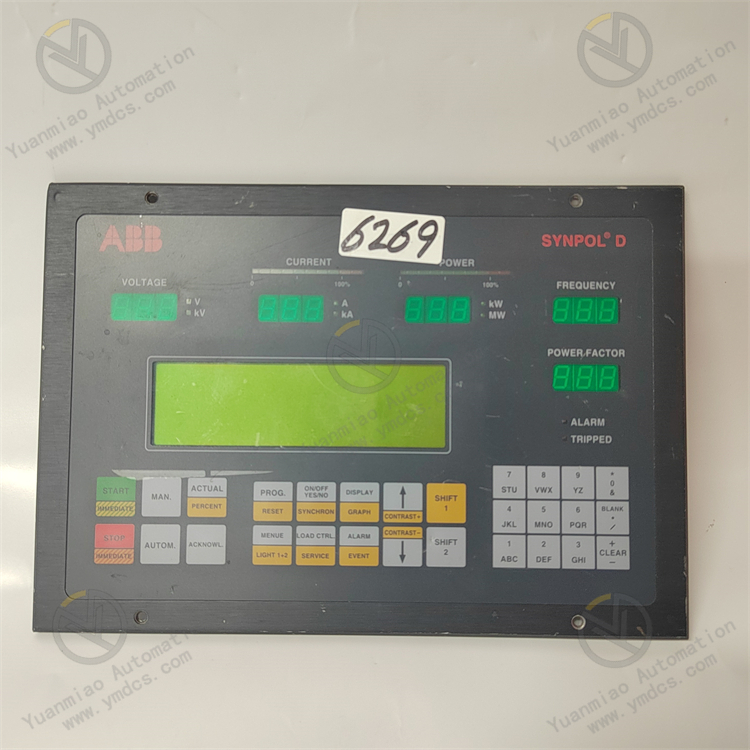
Product Name: Synpol D System Operator Display Panel / Front-end Visual HMI Unit for Industrial Control Systems
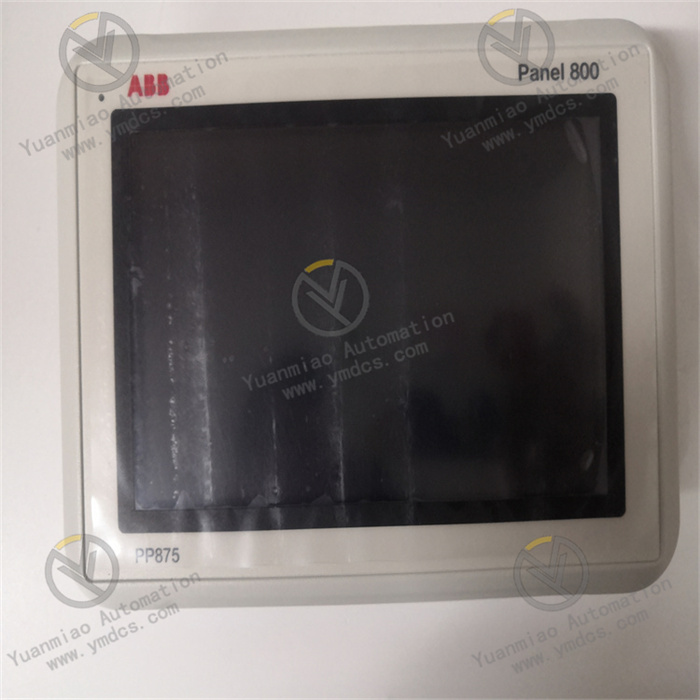
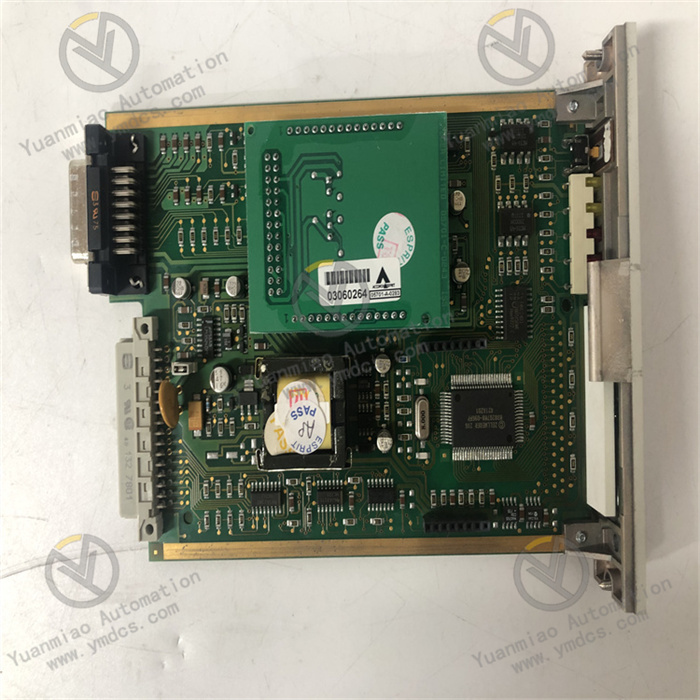
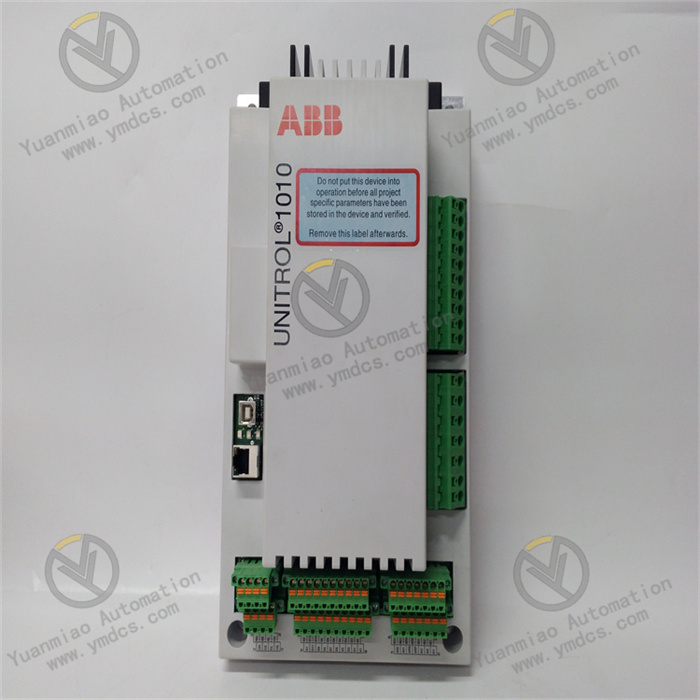
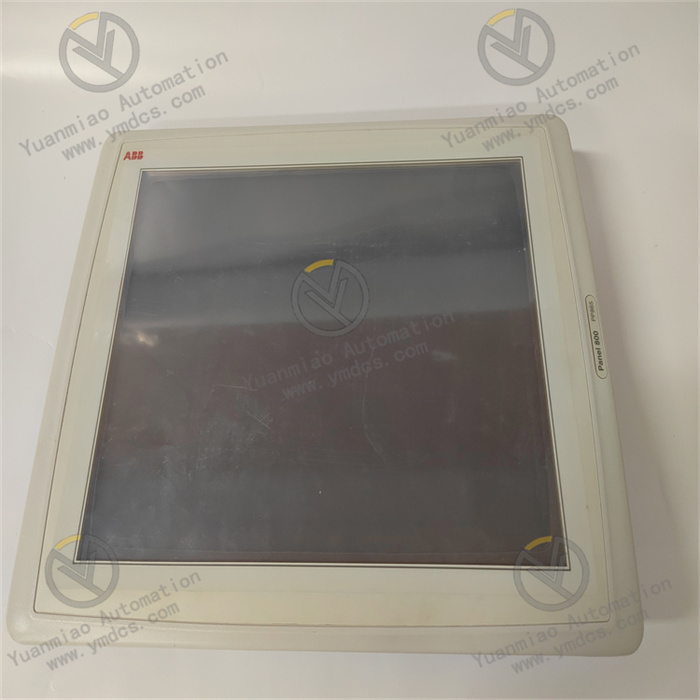
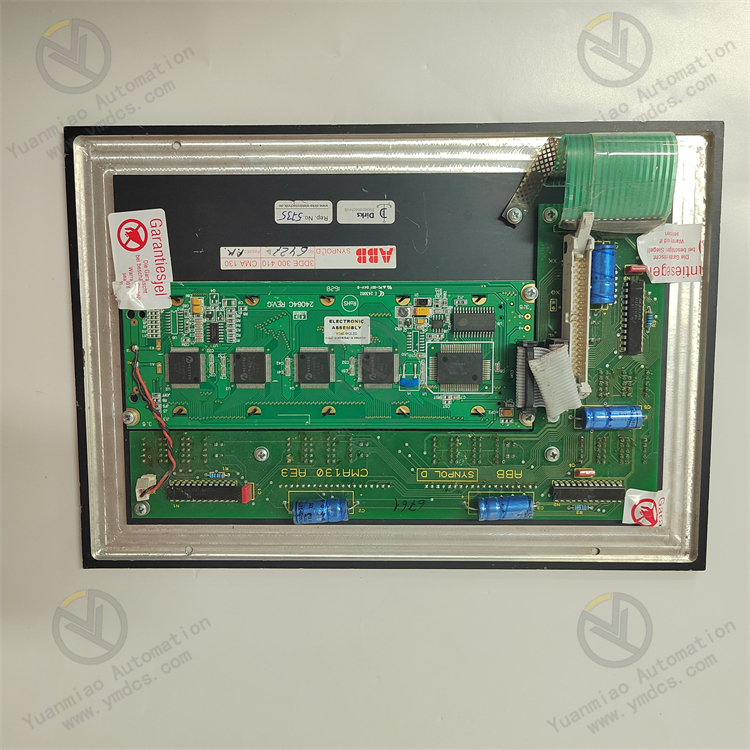
ABB CMA130 (3DDE300410) is a dedicated colour human-machine interface display panel designed for ABB Synpol D industrial control systems, power plant auxiliary control systems and industrial process control systems. As a core front-end visual operation component, it is widely deployed in thermal power, hydropower, chemical, metallurgical and other industrial automation applications. Serving as the human-machine interface window of the control system, the panel undertakes key functions including real-time display of process parameters, equipment status monitoring, local parameter setting, fault alarm viewing and manual operation intervention. It is essential for field operators to conduct on-site operation, monitoring and commissioning.
Equipped with a 10.4-inch industrial TFT colour LCD with 800×600 resolution, it delivers sharp visibility and adapts to variable lighting conditions such as strong and weak ambient light inside workshops. It natively supports Profibus‑DP industrial fieldbus communication with auto-adaptive transmission speed, enabling high-speed data exchange with main control racks, PLCs and DCS controllers to synchronise process data, equipment operating status and fault alarm information in real time. The unit adopts industrial-grade dustproof and anti-interference construction with robust, shock-resistant and moisture-proof housing, supporting 24/7 continuous operation. Installation and maintenance are convenient. Only genuine identical replacement units are recommended to guarantee intact local operation functions and stable performance of the industrial control system.
2. Core Functions
Visualised full-process monitoring. Real-time display of key process data including temperature, pressure, flow, liquid level, valve position, equipment start/stop status and loop operating parameters. Dynamic screen refresh, process screen switching and parameter trend viewing are supported to intuitively reflect the operating conditions of the whole automation system.
Local manual operation intervention. Supports on-site parameter modification, setpoint adjustment, manual equipment start/stop and loop mode switching (AUTO/MANUAL). Basic on-site commissioning and emergency operations can be performed without host configuration, suitable for equipment maintenance, system tuning and fault handling scenarios.
Comprehensive fault alarm and logging. Receives system fault signals in real time, pops up windows indicating fault location, fault type and alarm timestamp. Historical fault records and alarm traceback are available to help maintenance staff quickly locate defects and improve troubleshooting efficiency.
High-speed industrial fieldbus communication. Natively compatible with Profibus‑DP protocol, supporting auto-adaptive baud rates ranging from 9.6 Kbps to 12 Mbps. It establishes stable, low-latency and anti-interference communication with ABB main control systems, avoiding data stalling, screen disconnection and abnormal parameter refresh.
System status self-monitoring and self-diagnosis. Performs power-on self-test, communication link check and hardware status diagnosis. Continuously monitors power supply, communication, display and keypad status, and actively prompts fault information upon abnormality to ensure reliable equipment operation.
Industrial-grade environmental protection. Excellent EMC performance, vibration resistance, dustproof and moisture-proof capability to withstand harsh industrial environments featuring heavy dust, wide temperature variation and strong electromagnetic interference. Stable display and responsive keypad operation are maintained during long-term operation without lag or failure.
- Streamlined on-site maintenance management. Supports retention of screen configurations, local parameter storage and data preservation upon power loss. Replacement does not require repeated complicated configuration; the unit can be quickly commissioned after in-situ replacement to minimise downtime.
3. Technical Features
High-definition industrial display: 10.4-inch industrial TFT colour LCD with native 800×600 resolution, outstanding colour reproduction and wide viewing angle. The screen remains clearly readable under strong light without reflection or blackout, suited for round-the-clock workshop operation.
Native high-speed fieldbus communication: Built-in Profibus‑DP interface featuring strong bus compatibility, high transmission speed and ultra-low communication latency. Customised for ABB Synpol D systems to achieve accurate real-time data synchronisation without packet loss or lag.
Robust industrial embedded housing: Compact embedded panel mounting structure with shock, drop, dust and moisture resistance. Good enclosure sealing prevents dust and moisture ingress for long-term reliable operation under harsh industrial conditions.
Stable long-term operation with low power consumption: Low-power hardware design with typical power consumption of only 2 W and minimal heat generation. No overheating, screen distortion or flickering during prolonged continuous operation, offering low failure rate and extended service life.
Efficient human-machine interaction: Equipped with industrial dedicated operating keys with clear tactile feedback, long service life and fast response. Operation logic conforms to industrial maintenance habits with well-structured graphical interfaces to reduce operational difficulty for field personnel.
- High compatibility and interchangeability: Fully compatible with the entire ABB Synpol D control system series with native matching hardware and software parameters. Supports non-destructive in-situ replacement; local control functions can be rapidly restored without complex configuration after replacement.
4. Specification Parameters
| Item | Parameter |
|---|---|
| Model | CMA130 |
| Material Code | 3DDE300410 |
| Product Series | ABB Synpol D Industrial Control System HMI Series |
| Product Type | Industrial Colour Operator Display Panel / System Human-Machine Interface Unit |
| Display Screen | 10.4-inch Industrial TFT Colour LCD |
| Screen Resolution | 800 × 600 pixels |
| Communication Protocol | Profibus‑DP Industrial Fieldbus Protocol |
| Communication Baud Rate | 9.6 Kbps ~ 12 Mbps Auto-adaptive |
| Power Supply | 24V DC Industrial Control Power Supply |
| Typical Power Consumption | 2 W (Low Power Operation) |
| Operating Temperature | -20℃~+60℃ (Continuous Stable Operation) |
| Storage Temperature | -40℃~+70℃ (Storage / Transportation) |
| Ambient Humidity | 5%~95%RH (Non-Condensing) |
| Protection Class | Front: IP54; Rear: IP20 |
| Mounting Method | Cabinet Embedded Panel Mounting; Supports Non-destructive In-situ Replacement |
| Core Characteristics | High-definition Colour Display, Profibus High-speed Communication, Low Power Consumption, Industrial Dust & Shock Resistance, Local Operation & Alarm, Parameter Storage after Power-off |
| Compatible Systems | ABB Synpol D Control System, Power Plant Auxiliary Control System, Industrial Process DCS |
| Typical Applications | Local Monitoring & Operation in Thermal / Hydropower Plants, HMI for Chemical Process Workshops, Local Control of Metallurgical Equipment, Front-end Visual Operation for Industrial Automation |
5. Working Principle
After being supplied with 24V DC power, the panel automatically carries out hardware self-test, screen initialisation, keypad detection and Profibus‑DP communication handshake. It sequentially verifies power supply status, fieldbus communication, display driver and keypad modules. Once self-test completes without faults, it connects to the main control system, loads graphical configurations and process parameters, and enters normal human-machine interaction mode.
During normal operation, the panel maintains continuous high-speed data exchange with upper-level main controllers and I/O modules via Profibus‑DP. It collects field process parameters, equipment operating status, loop control data and fault alarm information in real time. After data parsing and screen rendering, information is visually presented on the display through dynamic process diagrams, numerical values, status indicators and pop-up alarms for operators to monitor system conditions.
When operators perform local operations, the panel captures keypad commands, completes logical verification and message encapsulation, then transmits commands to the main control system via fieldbus. The controller executes parameter modification, equipment start/stop, mode switching and other operations, and returns execution results to the panel for synchronous display update, forming closed-loop human-machine interaction.
The unit runs continuous real-time self-diagnosis. In case of power supply abnormality, bus disconnection, display failure or keypad malfunction, local fault prompts are activated immediately, and fault information is uploaded to the main controller. This ensures timely detection and handling of anomalies, delivering stable operation, precise data synchronisation and responsive operation.
6. Common Faults and Troubleshooting
1. Black screen, no display, unit fails to start
Causes: Loss of 24V DC power supply, unstable voltage or loose wiring; blown fuse in power circuit; damaged internal power drive circuit; mainboard hardware failure.
Solutions: Measure input voltage and circuit continuity, tighten terminals; inspect and replace blown fuse; restore stable power and restart; replace original panel if internal hardware circuit cannot be repaired.
2. Screen distortion, flickering, incomplete image, abnormal colour rendering
Causes: Loose screen cable with poor contact; abnormal display driver; screen ageing from prolonged high-temperature operation; faulty internal display circuit.
Solutions: Power off, re-seat screen cable and clean connector dust; restart panel to reset driver; improve cabinet ventilation and reduce operating temperature; replace unit directly if screen hardware is aged or damaged.
3. Communication interruption, frozen screen, parameters not refreshed, offline status displayed
Causes: Loose Profibus‑DP wiring, abnormal bus terminating resistor; mismatched baud rate or station address; main control system bus fault; ageing communication chip inside panel.
Solutions: Inspect and fasten fieldbus cables, verify terminating resistor configuration; unify communication parameters and station address between panel and main controller; restart bus link for reinitialisation; replace panel if communication hardware failure is irreparable.
4. Unresponsive keys, operation lag
Causes: Oxidised key contacts due to accumulated dust and moisture; mechanical ageing of keys; abnormal keypad driver; corrupted system firmware.
Solutions: Clean dust and moisture around keypad area and restore oxidised contacts; restart unit to reset system; replace original equipment if mechanical ageing leads to permanent keypad failure.
5. Frequent alarm pop-ups, garbled data display and parameter drift
Causes: Fieldbus data interference and poor grounding; abnormal internal cache or corrupted configuration files; abnormal system data interaction; data parsing error caused by electromagnetic disturbance.
Solutions: Optimise cabinet grounding and shielding to suppress EMI; clear device cache and reload configuration files; restart communication link between panel and main controller; replace panel if faults persist.
6. Failed network connection, mismatched graphics and abnormal functions after installing new panel
Causes: New panel not configured with corresponding station address and communication parameters; graphical configuration not imported; incompatible system firmware version; mismatched bus settings.
Solutions: Configure station address, baud rate and other communication parameters as required by the system; import standard graphical configuration; match compatible system firmware; restart unit after parameter setup and commission online before putting into service.