Description
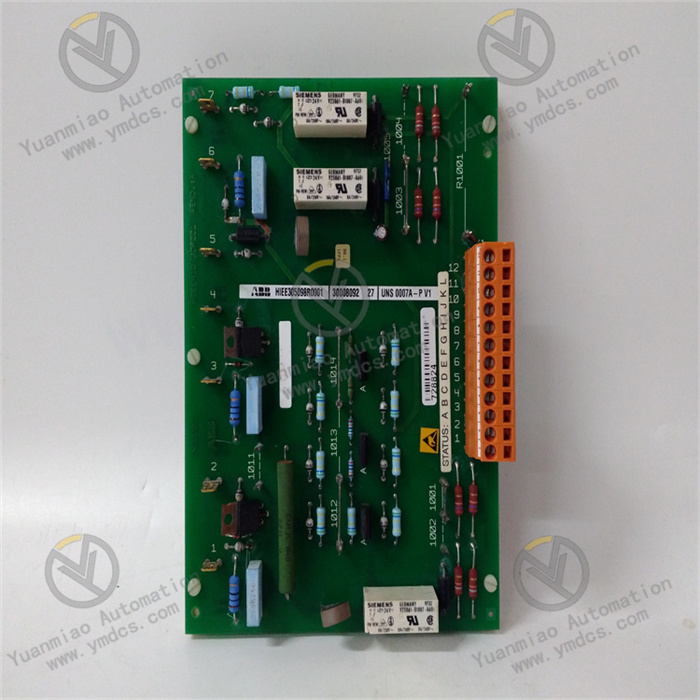
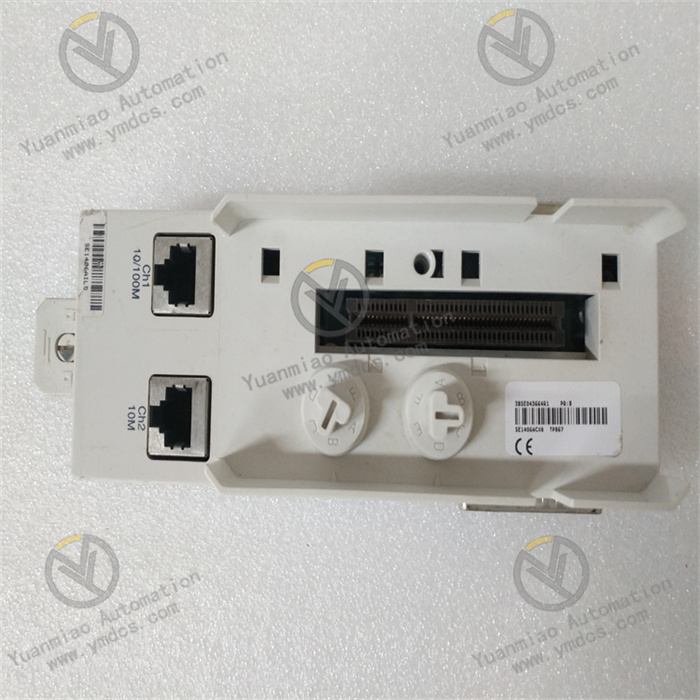
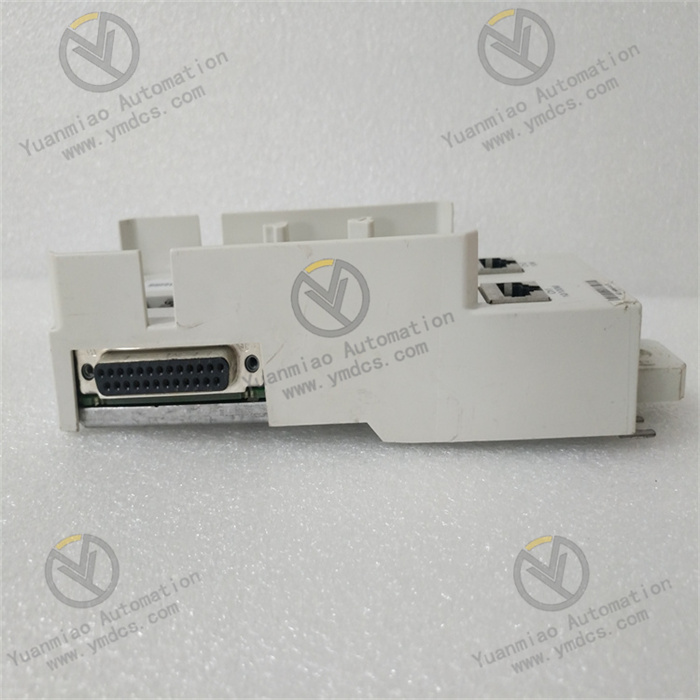
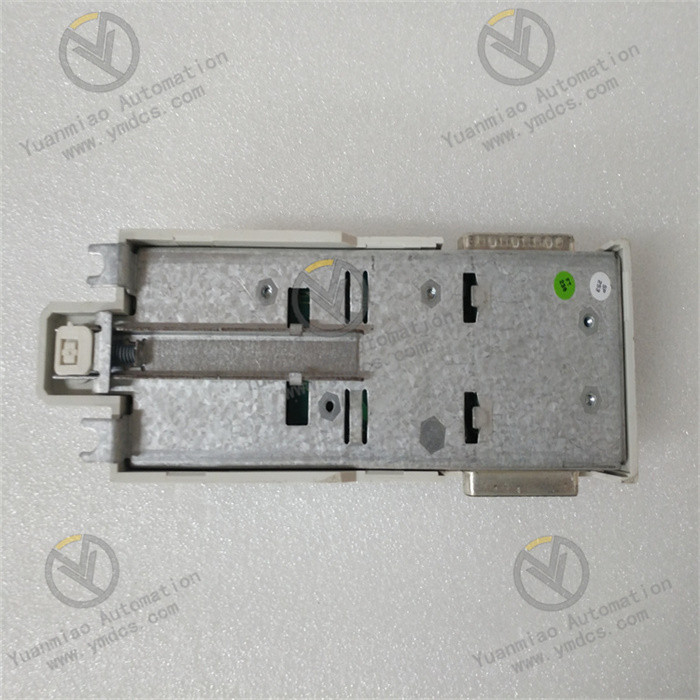
ABB TA523 1SAP180500R0001
ABB TA523 (1SAP180500R0001) is an original identification accessory designed specifically for the I/O modules of the AC500 series PLC. It is a detachable label strip holder, supplied in packs of 10 pieces, and is a dedicated supporting component for identifying the terminals of I/O modules in industrial automation control cabinets. Made of flame-retardant engineering plastic, this holder can be directly snapped above the terminals of AC500 series I/O modules. It is used to carry label strips, clearly mark the signal purpose of each terminal (such as input/output channels, signal types, corresponding equipment, etc.), facilitating quick identification of terminal functions during on-site wiring, commissioning, and later operation and maintenance, avoiding wiring errors, and keeping the wiring identification in the cabinet standardized and clear. It is widely applicable to various I/O module deployment scenarios of the AC500 series PLC, covering factory automation, process control and other fields, and is a key component of the AC500 series I/O module identification system.
I. Functions and Technical Advantages
1. Core Functions
- Label Strip Carrying and Fixing: As a dedicated holder for label strips, it is compatible with the terminal layout of AC500 series I/O modules, and can firmly carry label strips, ensuring stable identification position, avoiding label strips falling off or shifting, and providing reliable support for terminal identification.
- Detachable and Convenient Design: Adopting a detachable structure, it can be installed or disassembled manually without tools, facilitating later identification update, module maintenance or label strip replacement, greatly improving operation and maintenance efficiency, and adapting to on-site flexible adjustment needs.
- Precise Snap-on Positioning: Strictly matching the size and terminal spacing of AC500 series I/O modules, the snap-on structure is precise and firm. After installation, it does not affect the terminal wiring operation, nor does it occupy additional installation space, keeping the module surface clean and orderly.
- Bulk Supply: Each package contains 10 holders, meeting the batch identification supporting needs of multiple I/O modules in small and medium-sized projects, reducing procurement frequency, lowering inventory management costs, and adapting to the general identification needs of various I/O modules in the AC500 series.
2. Key Advantages
- Industrial-grade Durability: The housing is made of flame-retardant engineering plastic, which has good mechanical strength and anti-aging performance, adapting to the installation environment in industrial control cabinets, withstanding temperature fluctuations, dust and other industrial scene interference, not easy to deform or embrittle, and can operate stably for a long time.
- Genuine Compatibility: Designed and manufactured by ABB, it is 100% compatible with all I/O modules of the AC500 series (universal for digital and analog I/O modules), with precise dimensions and close fit. It avoids hidden dangers such as loose snap-on and terminal blocking caused by size deviation of third-party holders, ensuring the normal function of identification.
- Easy Installation and Replacement: Adopting a snap-on design, it can be directly manually snapped above the I/O module terminals without tools, and the installation is fast and efficient; when disassembling, it can be removed by gently prying, the operation is simple, and it is convenient for disassembly and replacement during later identification update or module maintenance.
- Strong Identification Adaptability: The holder structure is compatible with ABB standard label strips, and can be flexibly used with various writable label strips. The label strips can be freely inserted and replaced, supporting repeated wiping and modifying the identification content, adapting to the identification update needs after on-site wiring adjustment, and having strong practicality.
II. Technical Specifications
Category | Item | Value |
|---|---|---|
Basic Specifications | Model | TA523 (1SAP180500R0001) |
Product Type | Detachable Label Strip Holder for AC500 Series PLC I/O Modules | |
Compatible Equipment | All I/O modules of ABB AC500 series (universal for digital and analog I/O modules) | |
Package Quantity | 10 pcs/pack | |
Material & Appearance | Material | Flame-retardant engineering plastic |
Structure | Detachable snap-on structure, compatible with standard label strips | |
Environmental & Mechanical | Operating Temperature | Adapt to the operating temperature range of AC500 I/O modules (-25℃~+70℃) |
Storage Temperature | -40℃~+85℃ | |
Protection Degree | IP20 (holder itself, must be installed in IP54 or higher control cabinet) | |
Dimensions | Compatible with the terminal spacing of AC500 I/O modules, no terminal blocking after snap-on, no impact on wiring operation |
III. Application Areas
- Factory Automation: In the AC500 PLC control cabinets of production lines such as automotive manufacturing, electronic processing, and food and beverage, the terminal identification carrying of various I/O modules (digital input/output, analog input/output) facilitates quick identification of signal channels during production line commissioning and maintenance, avoiding wiring errors.
- Process Industry: In the AC500 distributed control systems of process industries such as petrochemical, metallurgy, water treatment, and cement, the label strip holder supporting of I/O modules adapts to the operation and maintenance needs in complex industrial scenarios, ensuring clear and stable terminal identification and improving operation and maintenance efficiency.
- Infrastructure: The supporting I/O modules of AC500 PLC in rail transit, power substation auxiliary systems, building automation and other fields are used for the fixing and carrying of label strips, ensuring that operation and maintenance personnel can quickly identify terminal functions and guarantee stable system operation.
- System Retrofit and Expansion: When the AC500 PLC system is retrofitted or the I/O modules are expanded, it is used for the label strip carrying of new modules, keeping the entire system identification standardized and unified, facilitating later unified operation and maintenance management, and adapting to the upgrade and replacement needs of label strips in old systems.
IV. Installation and Use Guide
1. Pre-Installation Preparation
- Model Verification: Confirm that TA523 (1SAP180500R0001) is compatible with the used AC500 I/O module model, check the package integrity, and ensure that 10 holders are undamaged, deformed, and the snap-on structure is intact, which can be normally snapped and disassembled.
- Environment and Safety: Disconnect the power of the control cabinet and wait for the capacitors to discharge for ≥ 5 minutes; wear an anti-static wristband to avoid static damage to the I/O module; the installation environment must be dry, free of condensation and dust accumulation, and ensure that the surface of the I/O module terminals is clean and free of foreign objects.
- Tools and Materials: Prepare ABB special marking pens (or erasable industrial marking pens), cleaning brushes, and compatible label strips; clean the snap-on area above the I/O module terminals to ensure the snap-on surface is flat and clean.
2. Installation and Use Operation
- Clean the Snap-on Surface: Use a cleaning brush to clean the snap-on area above the AC500 I/O module terminals, remove dust and oil stains, ensuring that the holder fits closely after snap-on and is not easy to fall off or shift.
- Holder Snap-on: Align the TA523 holder with the snap-on groove above the I/O module terminals, press gently, and a "click" sound indicates that the snap-on is firm; ensure that the holder corresponds to the terminals one by one, without deviation or blocking the terminal wiring holes, and does not affect subsequent wiring operations.
- Label Strip Installation and Writing: Insert the label strip into the snapped TA523 holder to ensure the label strip is installed flat; according to the terminal function (such as DI1, DO2, AI3, AO1, etc.), use a special marking pen to write clear identification content on the surface of the label strip. The handwriting is concise and clear, avoiding modification.
- Inspection and Confirmation: Check whether the holder is snapped firmly, and there is no looseness when pushing the holder gently; confirm that the label strip is installed flat, the identification content is consistent with the terminal function, and the handwriting is clear and distinguishable; if there is an identification error or snap-on deviation, adjust or replace the holder and label strip in time.
3. Maintenance and Replacement
- During daily maintenance, regularly check whether the holder is loose, falling off, yellowed or damaged, and fasten or replace it in time to ensure stable carrying of the label strip; at the same time, check whether the handwriting of the label strip is clear, and update the blurred or wrong identification in time.
- When the I/O module terminal function is adjusted or the module is replaced, first take down the label strip, then gently pry the TA523 holder to take it down; after snapping the new holder in place, reinsert the label strip and write the correct identification to keep the identification consistent with the terminal function.
- Avoid using corrosive cleaning agents to wipe the holder to prevent material aging and snap damage; if there are stains on the surface of the holder, wipe it gently with a dry cloth; do not force prying when disassembling the holder to avoid damaging the holder snap or I/O module.
V. Common Problems and Solutions
- Holder cannot be snapped in place: Check if the I/O module model is AC500 series; check if the holder snap is deformed or damaged; clean the dust and foreign objects in the module snap-on groove, align the snap-on groove and press gently, do not force it to avoid damaging the snap or module.
- Holder is loose or falls off after snap-on: Check if the snap-on groove is clean and flat; confirm that the holder is not deformed, re-snap and press firmly; if the holder snap is aging or damaged, replace it with a new one to ensure stable carrying of the label strip.
- Label strip cannot be inserted into the holder or is loose: Check if the label strip size is compatible with the TA523 holder; clean the dust and foreign objects inside the holder to ensure the label strip is inserted smoothly; if the inside of the holder is deformed, replace it with a new one to avoid the label strip falling off.
- Holder is yellowed, aging or damaged: Check if the temperature in the control cabinet exceeds the specified range and optimize heat dissipation; if it is severely aging or damaged, replace it with a new holder in time to ensure the normal identification function and avoid label strip falling off and identification loss due to holder damage.