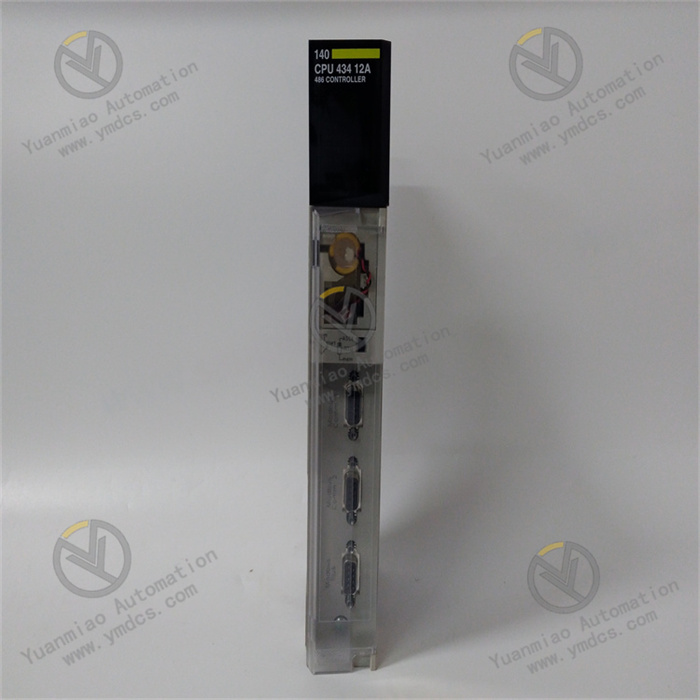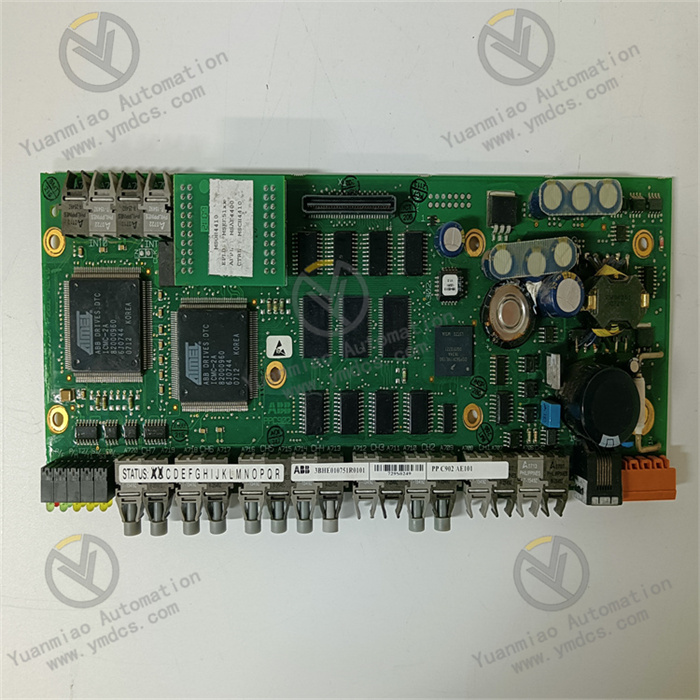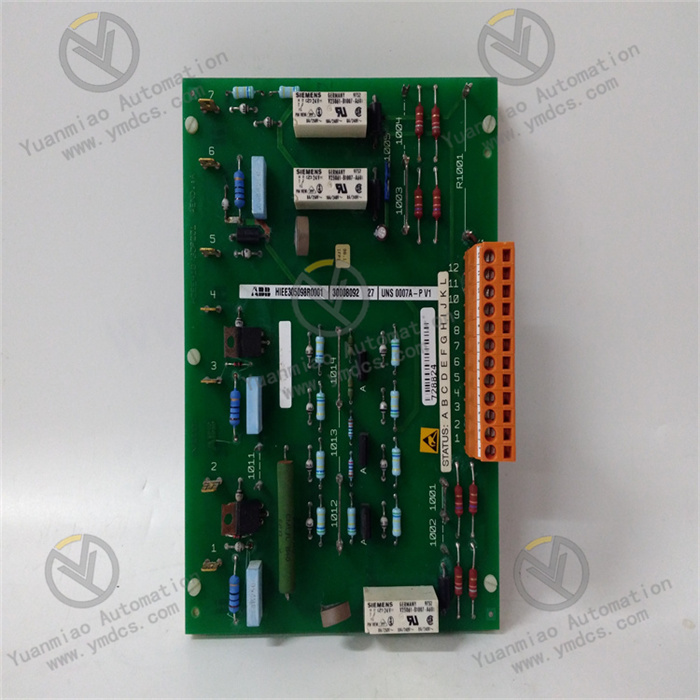
Description
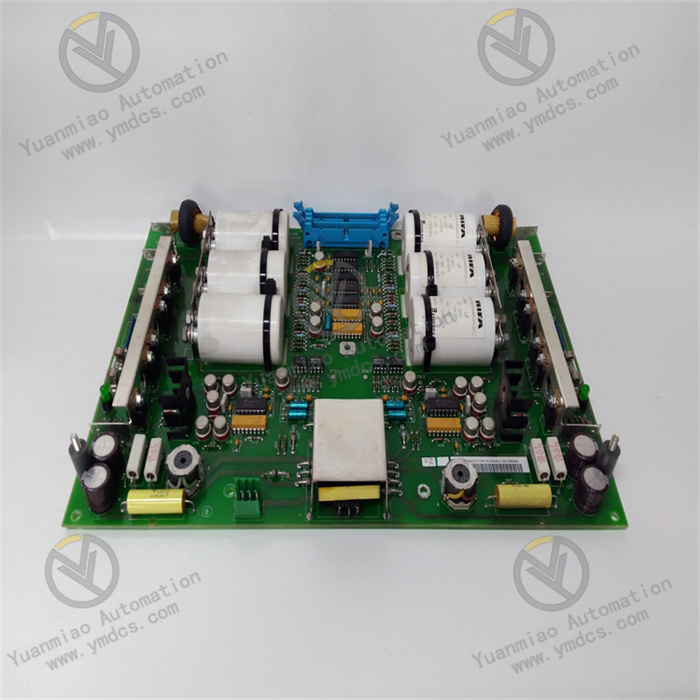
ABB UNS0865A-P,V1 HIEE405167R0001
I. Product Description
- Model: UNS0865A‑P, V1
- Version: V1
- Global Part Number: HIEE405167R0001
- Product Series: ABB Industrial Control Module Series
- Product Category: Industrial Digital I/O Card (Dedicated for Power System Stabilizer)
- Country of Origin: Switzerland
Core Functions
This device is an industrial digital I/O card manufactured by ABB, model UNS0865A‑P V1, global part number HIEE405167R0001. It is a dedicated power system stabilizer designed for power systems and industrial automation applications.Its core functions are to suppress power system power oscillations, stabilize system frequency, and prevent power outages or equipment damage caused by abnormal frequency.It also performs digital signal acquisition, transmission and exchange, establishing a reliable communication link between field devices and upper‑level control systems.Unlike general I/O cards, its key advantage lies in its dual capability of digital signal processing and power system stability regulation.
Built with industrial‑grade electronic components, it is fully compatible with ABB industrial automation control systems, supporting digital input and output with signal isolation and anti‑interference optimization.It accurately collects digital status signals from field devices and outputs control signals to regulate related equipment, achieving stable frequency control of the power system.
The unit features built‑in safety protection, self‑diagnostics, and signal abnormality alarm functions. It monitors its own operating status and connected device signals in real time and provides timely fault feedback for quick troubleshooting.It supports seamless integration with various ABB controllers and monitoring systems through standardized communication protocols, enabling rapid deployment without additional drivers.Signal response speed is optimized to ensure timely suppression of power system oscillations.With high‑reliability design, it operates stably for long periods in harsh industrial environments, safeguarding the security and stability of power systems and industrial control networks.
Application Scenarios
Widely used in high‑stability, high‑signal‑reliability industrial fields including power systems, petrochemicals, metallurgy and rail transit.It is especially suitable for power system applications such as substations and power plants for suppressing power oscillations and stabilizing frequency.As a digital I/O card, it connects field sensors, actuators, circuit breakers and other devices for digital signal acquisition and control.
Typical applications include: SVG reactive power compensation control in substations, power plant power regulation, digital signal monitoring of critical equipment in industrial production, and power system stability control loops.It integrates seamlessly with ABB drives, PLCs, SCADA systems and HART‑compatible smart instruments for coordinated data control.
Deployable at the field control layer or control station of industrial control networks, it enables stable frequency regulation, centralized acquisition and standardized transmission of on‑site digital signals.This helps operators monitor system status in real time and respond quickly to faults.With high reliability and fast response, it ensures continuous and stable operation of power systems and industrial production in 24/7 harsh environments with availability above 99.99%, especially for critical sections requiring extremely high power system stability.
II. Technical Specifications
| Parameter Category | Details |
|---|---|
| Software Specifications | Model / Version: UNS0865A‑P, V1 (HIEE405167R0001)Supported Protocols: ABB proprietary protocol, Modbus TCP, HART (for smart instrument diagnostic data), compatible with ABB RobotStudio, SCADA systems and industrial Ethernet standardsCommunication Functions: Digital input/output transmission; signal response time ≤ 50 ms; power system oscillation damping control output; signal isolation; real‑time status monitoring, fault alarm and data upload; multi‑module synchronous operation to avoid phase deviation; suitable for reactive power compensation and power regulationAccess Control: Three‑level permission management (Administrator, Operator, Read‑only) to prevent unauthorized operation and data tampering; configurable via dedicated softwareLogging: Real‑time recording of operation status, signal exceptions, faults and operations; log export and analysis; supports fault location for signal and communication issuesCompatibility: Seamless with all ABB industrial controllers, drives and SCADA systems; compatible with Windows Server (2012 R2 or later recommended); supports ABB SILworX and dedicated diagnostic tools; direct connection to HART instrumentsDependencies: Microsoft Visual C++ 2010 or later Redistributable; .NET Framework 4.0 or above; properly configured industrial Ethernet communication and permissionsDiagnostics: Built‑in detection for communication loss, signal abnormality, hardware faults and oscillation anomalies with clear error codes; integrates with ABB diagnostic tools for efficient troubleshooting |
| Hardware Requirements | Recommended Control Station / Server: CPU ≥ Intel Core i3 or equivalent; RAM ≥ 4 GB (8 GB recommended); free disk space ≥ 80 GB (SSD recommended) for smooth signal transmission and control executionInterfaces: At least one Gigabit Ethernet port (100 Mbit/s capable) for controller and monitoring communication; RS485 for Modbus RTU; configurable number of digital I/O interfaces with isolation; USB for local configuration and maintenance; standard industrial connectors for easy installation and wiringInstallation: DIN‑rail or panel mounting in industrial cabinets; manual and standardized deployment; supports legacy configuration migration; backup and manual restore; weight approx. 0.025 kg; compact size for space‑constrained cabinets |
| Environmental Adaptability | Operating Temperature: -25℃ to +60℃ (wide‑temperature design for harsh environments)Storage Temperature: -40℃ to +70℃Relative Humidity: 5%–95% (non‑condensing)Immunity: Complies with industrial EMC standards; strong RFI/EMI resistance; supports dual redundant buses for improved stability; withstands interference from drives and high‑voltage cablesOperational Stability: 24/7 continuous operation; MTBF ≥ 10,000 hours; optional auto‑recovery; optimized reconnection and control logic to reduce outages, data loss and delays; industrial‑grade components with strict quality control for long‑term reliability |
III. Installation and Maintenance Guide
Pre‑installation Requirements
- Environment: Install in a dust‑free, non‑condensing, well‑ventilated industrial cabinet away from strong interference sources such as drives and high‑voltage cables. Maintain cabinet temperature -25℃~+60℃ and humidity 5%–95% non‑condensing. Use a UPS for stable power to avoid equipment damage or configuration loss. Deploy separately from programming environments to reduce operational risk.
- System Preparation: Use Windows Server 2012 R2 or later. Open firewall ports for RPC (135) and dynamic range 49152–65535. Install Microsoft Visual C++ 2010+ and ensure .NET Framework 4.0+ is functional. Verify network connectivity to ABB controllers and third‑party devices. Configure communication parameters and permissions, granting launch/activation rights to authorized personnel.
- Installation Procedure: Mount the unit via DIN rail or panel in the industrial cabinet with secure wiring. Connect power, communication and I/O cables, then power on. Run the configuration software, follow the wizard, accept the license agreement, and use a path without spaces or Chinese characters. The system checks communication and dependencies; install missing components manually. Restart the device and control station and confirm normal startup. When upgrading, keep or import existing configurations and restart to activate all functions.
- Parameter Configuration: Launch the software and set communication parameters (IP, port, protocol), then test connectivity with controllers and monitoring systems. Configure digital I/O mapping, signal response time, fault thresholds and oscillation damping parameters. Set three‑level user permissions with strict control of high‑privilege accounts. Test signal acquisition, control output and oscillation suppression for no delay or data loss. Set log storage paths and enable diagnostic logging.
Routine Inspection
- Operation Status: Check for error codes, abnormal indicators or overheating. Verify stable communication with controllers and monitoring systems; confirm reconnection and oscillation damping functions and compliance of response time with settings.
- Log Review: Regularly inspect device and system logs to identify signal exceptions, communication errors, permission issues and abnormal oscillation damping. Clean up old logs to save storage. Monitor records related to hardware faults and signal anomalies.
- Network and Environment: Ensure secure Ethernet and RS485 connections with stable transmission above 100 Mbit/s. Check cabinet temperature, humidity and UPS status. Inspect cables and terminals for looseness or damage; verify proper grounding for improved anti‑interference performance.
- Parameter Verification: Confirm model and version: UNS0865A‑P V1 (HIEE405167R0001). Check communication settings, permissions, signal mapping and oscillation parameters for unauthorized changes. Test I/O functions and stability control. Verify compatibility of dependencies and effectiveness of safety measures.
Periodic Maintenance
- Monthly: Dust the device and cabinet; check operation, communication stability, signal reliability and oscillation suppression. Back up configurations. Inspect interfaces and terminals for looseness. Verify fault alarm function.
- Quarterly: Monitor control station hardware utilization (CPU, RAM, disk). Install OS and dependency updates, especially communication‑related patches. Test access control. Review and adjust signal mapping and damping parameters. Verify transmission speed and response time. Inspect for potential hardware faults and apply ABB official recommendations.
- Semi‑annually: Perform full backup of configurations and logs; verify integrity and repair anomalies. Check port configuration and optimize communication parameters. Evaluate official patches and apply after testing. Restart the device and control station. Verify compatibility with ABB diagnostic tools. Conduct a full risk assessment of hardware, communication and stability functions.
IV. Common Faults and Troubleshooting
| Fault Symptom | Possible Causes | Troubleshooting & Solutions |
|---|---|---|
| Device fails to start, initialization error | 1. Missing or outdated VC++ Redistributable or incompatible .NET Framework2. Incompatible device and control station OS/software versions3. Corrupted configuration file4. Configuration software not run as Administrator5. Improperly registered or configured communication components6. Installation/configuration path contains spaces or Chinese characters | 1. Install/update VC++ 2010+ and confirm .NET 4.0+2. Use Windows Server 2012 R2 or later and ensure version compatibility3. Restore backup configuration or reconfigure parameters4. Launch software with administrative privileges5. Verify communication component registration and reconfigure parameters6. Reconfigure using a path without spaces or non‑English characters and restart |
| Cannot connect to controller / monitoring system, communication lost | 1. Incorrect IP or port settings2. Loose cables, network failure or abnormal bandwidth3. Firewall blocking ports 135 and 49152–655354. Communication component permission or registration failure5. Controller/monitoring system fault or not running6. Reconnection logic not activated | 1. Verify and reconfigure IP/port and test connectivity2. Check cabling, restart network equipment and ensure ≥100 Mbit/s3. Open required ports in the firewall4. Correct communication component permissions and registration5. Inspect controller/monitoring status and protocol matching6. Check reconnection settings and restart the device |
| Abnormal digital I/O or failed oscillation damping | 1. Incompatible client and device versions2. Insufficient client access permissions3. Unstable network causing signal delay4. Device not running normally or incorrect wiring5. Wrong communication parameters or signal mapping6. Improper oscillation damping or alarm threshold settings | 1. Use a compatible client version2. Assign proper access permissions on the device3. Improve network stability and reduce interference4. Restart the device and correct I/O wiring5. Verify communication and mapping configuration6. Readjust damping and threshold parameters and validate performance |
| Signal delay, loss or unrecognized signals | 1. Network instability or bandwidth < 100 Mbit/s2. Incorrect signal path or mapping rules3. High control station load4. Excessive log storage usage5. Unreasonable signal response time6. Faulty communication components or insufficient grounding | 1. Upgrade network and ensure stable high‑speed connection; improve grounding2. Correct mapping using dedicated configuration tools3. Close background processes; upgrade RAM to 8 GB if needed4. Delete old logs and restart the device5. Adjust response time (≥50 ms recommended)6. Check communication services and restart if necessary |
| Frequent faults, auto‑restart or abnormal oscillation damping | 1. Insufficient control station hardware resources2. Hardware damage (interface failure, component aging)3. Invalid configuration, especially damping parameters4. Environmental interference (high temperature, humidity)5. Incompatible dependent components6. Unstable power or poor grounding | 1. Upgrade hardware (8 GB RAM recommended)2. Inspect hardware and replace faulty unit or parts if needed3. Restore valid configuration and recheck damping settings4. Improve cabinet environment, ventilation and isolation from interference5. Update dependencies to compatible versions6. Stabilize power supply, check UPS and repair grounding |