Description
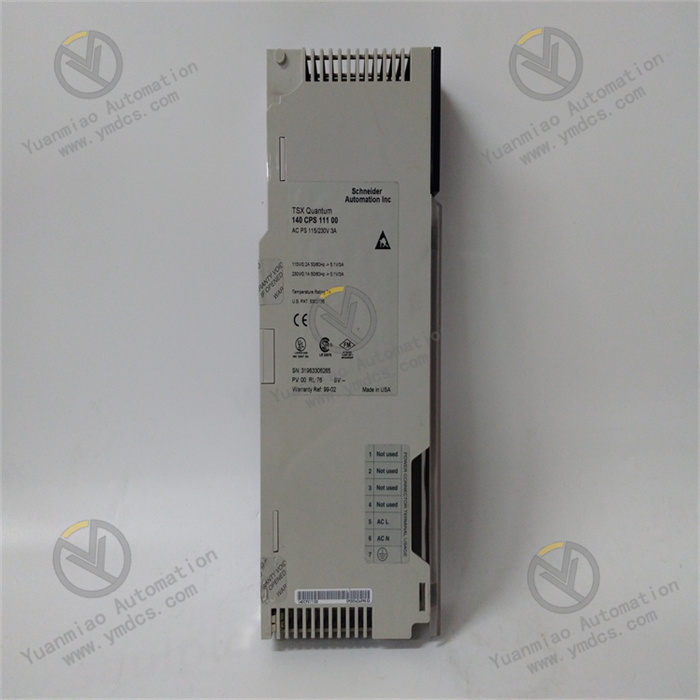
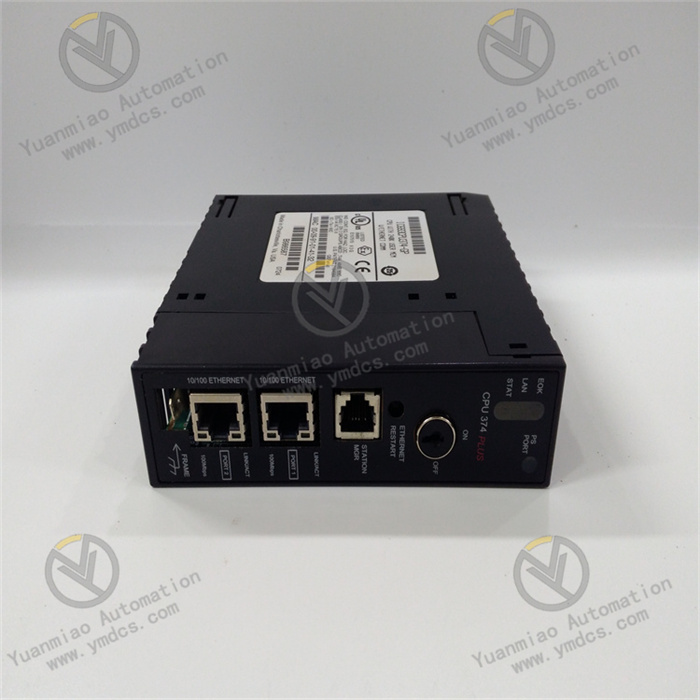
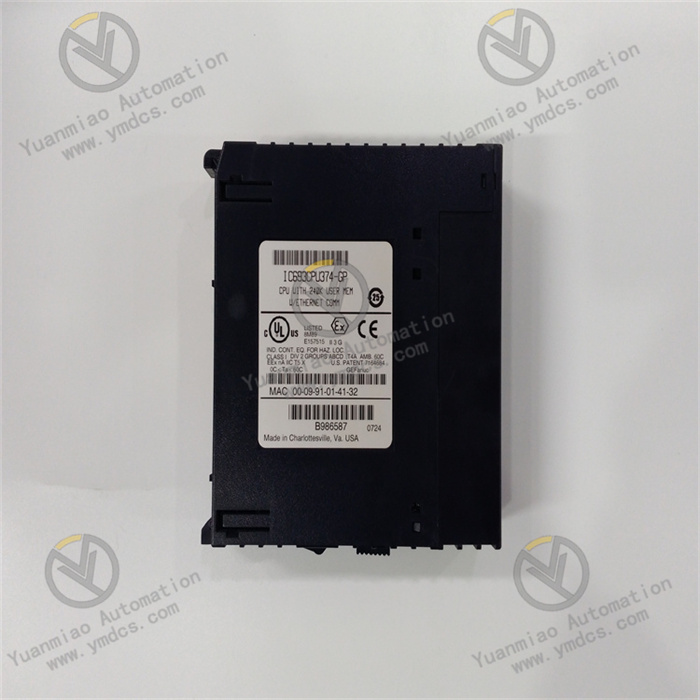
GE IC693CPU351-DF
I. Overview
The GE IC693CPU351-DF is the Central Processing Unit (CPU) of the 90-30 series Programmable Logic Controllers (PLCs). It undertakes key tasks in the control system, including program storage, logical operations, data processing, and coordinated control of equipment. This CPU adopts an industrial-grade dedicated processor and a modular architecture design, featuring stable computing performance, rich expansion capabilities, and reliable anti-interference characteristics. It is suitable for industrial automation scenarios in multiple fields such as electric power, chemical engineering, manufacturing, and metallurgy. As a mainstream CPU model in the 90-30 series, it can connect various I/O modules, communication modules, and functional modules through the system bus to build a flexible centralized or distributed control system. This system enables precise management and control of industrial production processes, ensuring the stability and efficiency of production workflows, making it an ideal core component for small and medium-sized industrial control scenarios.
II. Technical Parameters
| Parameter Category | Specific Parameters | Parameter Description |
|---|---|---|
| Core Performance | Processor: 16-bit industrial-grade dedicated processor; Main frequency: 20MHz; Program memory: 512KB EPROM (expandable to 1MB); Data memory: 32KB RAM (with battery backup) | The main frequency and storage configuration meet the control needs of small and medium-sized scales; battery backup ensures no data loss after power failure. |
| Power Parameters | Input voltage: DC 5V (powered by the system power module); Rated power consumption: ≤12W; Power ripple tolerance: ≤100mVpp | Relies on centralized system power supply; low-power design reduces heat generation; strong ripple tolerance ensures stable power supply. |
| Expansion Capability | Expansion bus: 90-30 series dedicated backplane bus; Maximum number of expansion racks: 3; Maximum I/O points: 1024 points (digital) / 128 points (analog); Supported expansion module types: Digital I/O, Analog I/O, Temperature acquisition, High-speed counting, Communication modules, etc. | Multi-rack expansion capability meets medium and large-scale control scenarios; rich module adaptability improves system flexibility. |
| Communication Parameters | Built-in communication port: 1 RS232 (for programming and debugging); Extended communication support: PROFIBUS-DP, Modbus, Ethernet (requires dedicated communication module); Communication rate: Up to 115200bps for RS232 | The basic communication port meets debugging needs; expansion modules can be adapted to multiple industrial communication protocols to achieve networking and data interaction. |
| Real-time Indicators | Basic instruction execution time: ≤1μs; Complex instruction execution time: ≤10μs; Task scheduling cycle: Minimum 10ms; Interrupt response time: ≤100μs | Meets the real-time requirements of small and medium-sized control scenarios, enabling timely response to on-site signals and control commands. |
| Operating Environment | Operating temperature: 0℃~60℃; Storage temperature: -40℃~85℃; Relative humidity: 5%~95% (no condensation); Protection class: IP20 (unit itself); Anti-electromagnetic interference: Compliant with IEC 61000-4-2/3/4 standards | Adapts to the installation environment inside control cabinets; strong anti-interference capability ensures stable operation in complex industrial scenarios. |
| Physical & Installation | Dimensions: 100mm×160mm×30mm (L×W×H); Installation method: 90-30 series dedicated backplane installation; Weight: ≤300g | Adapts to the series-specific backplane; easy to install; compact structure saves space in the control cabinet. |
III. Functional Features
- Stable Computing and Control Capability: Equipped with a 16-bit industrial-grade dedicated processor with a 20MHz main frequency, the basic instruction execution time is as low as 1μs, enabling efficient processing of core tasks such as logical operations, sequence control, and data comparison. The 512KB EPROM program memory supports large-capacity control program storage and can be expanded to 1MB to adapt to complex control logic. The 32KB RAM data memory with battery backup ensures that key production data (such as cumulative output, process parameters) is not lost after power failure, guaranteeing production continuity.
- Flexible Multi-rack Expansion Capability: It supports connecting up to 3 racks through a dedicated expansion bus, with a maximum expandable capacity of 1024 digital I/O points and 128 analog I/O points. This allows flexible adjustment of system configuration according to production scale. It is compatible with the full range of 90-30 series expansion modules, including high-speed counting modules (for speed measurement, pulse counting), temperature acquisition modules (compatible with thermocouples, RTDs), and positioning control modules. This enables rapid system function upgrades to meet different process requirements.
- Diversified Communication and Networking Adaptability: It has a built-in RS232 communication port that can directly connect to a programming computer for program downloading, debugging, and monitoring. By expanding dedicated communication modules, it can support multiple industrial communication protocols such as PROFIBUS-DP, Modbus RTU/TCP, and Ethernet. This enables seamless data interaction with upper-level monitoring systems (e.g., GE iFIX, WinCC), HMI human-machine interfaces, frequency converters, and intelligent instruments. It supports the construction of distributed control systems to realize multi-CPU collaborative work and remote centralized management and control.
- High Reliability and Anti-interference Design: It uses industrial-grade high-quality components and has passed strict reliability tests such as high-low temperature cycling, vibration impact, and electromagnetic compatibility (EMC). The Mean Time Between Failures (MTBF) exceeds 150,000 hours. It integrates multiple protection mechanisms, including power overvoltage/overcurrent protection, CPU overheating protection, and program verification protection. The module itself adopts a shielding design, and combined with the signal isolation technology of the backplane, it can effectively resist interference factors such as electromagnetic interference and voltage fluctuations in industrial sites, ensuring stable operation of the control system.
- Convenient Programming and Diagnostics Functions: It supports program development using GE Fanuc dedicated programming software (e.g., Cimplicity Machine Edition, VersaPro) and is compatible with international standard programming languages such as Ladder Diagram (LD), Function Block Diagram (FBD), and Structured Text (ST). It has a built-in rich library of industry-specific functions (e.g., PID regulation, counters, timers), which greatly improves program development efficiency. It is equipped with comprehensive self-diagnostic functions that can real-time monitor the operating status of the CPU, memory, expansion modules, and communication links. When a fault occurs, it outputs a fault code through the flashing of the panel indicator light and stores the fault information in the internal register, facilitating engineers to quickly locate and troubleshoot problems.
IV. Working Principle
As the core of the 90-30 series PLC, the GE IC693CPU351-DF follows a closed-loop control logic of "system initialization - signal acquisition - program operation - command output - status feedback" during operation. The specific principle is as follows:
- System Initialization Phase: After the CPU is connected to the DC 5V power supply through the system backplane, it immediately enters the initialization process. First, it performs a self-test on its core components (processor, memory, built-in communication port) and simultaneously detects the model and connection status of the connected expansion racks and expansion modules. If the self-test passes, the "RUN" indicator on the CPU panel remains on, and the control program in the EPROM is loaded into the RAM memory. If the self-test fails (e.g., memory fault, abnormal connection of expansion modules), the "FAULT" indicator flashes and outputs the corresponding fault code, the system pauses operation and stores the fault information.
- Signal Acquisition Phase: After initialization is completed, the CPU interacts with each expansion module through the backplane bus at a preset cycle (minimum 10ms) to collect on-site industrial signals. The digital input module collects the switch status (on/off) of equipment such as sensors and limit switches, and converts it into digital signals (0/1) recognizable by the CPU after photoelectric isolation. The analog input module collects continuously changing analog signals such as temperature, pressure, and flow, converts them into digital signals through an A/D converter, and performs filtering and noise reduction to eliminate interference. All collected signals are classified and stored in the data area of the RAM according to the module address, forming a real-time input data image area.
- Program Operation Phase: The CPU executes the control program in the RAM line by line in the order of "top to bottom, left to right", and performs operation processing based on the real-time signals in the input data image area. During the operation, multiple types of control logic can be executed: first, basic logical operations, which realize interlocking control of equipment (e.g., judgment of motor start-stop conditions) through logical judgments such as AND, OR, and NOT; second, process control operations, which calculate the deviation between the set value and the collected value through the built-in PID algorithm and output the adjustment amount; third, data processing operations, which perform counting, accumulation, comparison, and other processing on the collected signals (e.g., output statistics, judgment of parameter over-limit). The intermediate data generated by the operation is real-time updated to the intermediate data area of the RAM, and the final operation result is stored in the output data image area.
- Command Output Phase: Based on the operation results in the output data image area, the CPU sends control commands to each output module through the backplane bus. The digital output module converts the commands into switch signals to drive the action of executive mechanisms such as relays and contactors (e.g., valve opening/closing, motor start-stop). The analog output module converts the digital commands into analog signals of 4-20mA or 0-10V through a D/A converter to control the operating parameters of equipment such as control valves and frequency converters (e.g., valve opening, motor speed). During the output process, the CPU real-time monitors the execution status of the output module to ensure that the commands are accurately implemented.
- Status Feedback and Communication Interaction Phase: After the command is output, the CPU collects the feedback signal of the executive mechanism (e.g., valve opening feedback, motor operating current) through the input module and compares it with the output command. If there is a deviation, it adjusts the next round of output commands through program operation to form closed-loop control. At the same time, the CPU uploads the system operating status (CPU load, input/output signal values, fault information) to the upper-level monitoring system or HMI through the built-in RS232 port or expanded communication module, realizing real-time data monitoring. It receives control parameters (e.g., PID set value, program modification command) issued by the upper-level computer and updates them to the parameter area of the RAM, realizing remote operation and maintenance as well as management and control.

V. Common Faults and Solutions
| Fault Phenomenon | Possible Causes | Solutions |
|---|---|---|
| CPU fails to start, all indicators are off | 1. System power module fault, no DC 5V voltage supplied; 2. Poor contact between backplane and CPU or backplane fault; 3. Damage to the internal power circuit of the CPU | 1. Use a multimeter to measure the voltage of the backplane power supply terminal to confirm if it is DC 5V±0.2V; if abnormal, replace the power module; 2. Power off, reinsert the CPU, clean the backplane contacts; if ineffective, replace with a spare backplane for testing; 3. Replace the CPU module and contact GE after-sales service to repair the faulty module |
| "FAULT" light flashes, displaying "memory fault" | 1. EPROM program memory damage or program loss; 2. RAM data memory backup battery exhausted; 3. Poor contact or damage to the memory expansion module | 1. Re-download the control program to the EPROM; if downloading fails, replace the EPROM chip; 2. Replace the RAM backup battery (3V lithium battery) and reconfigure parameters; 3. Power off, reinsert the memory expansion module; if ineffective, replace the module |
| Abnormal input signal acquisition, incorrect data display | 1. Loose or wrong wiring of the input module, or sensor fault; 2. Damage to the input module or poor contact with the backplane; 3. Excessive electromagnetic interference on-site; 4. Incorrect address configuration of the CPU input image area | 1. Check the sensor wiring and working status, replace the faulty sensor; 2. Reinsert the input module, clean the contacts; if ineffective, replace the module; 3. Replace with shielded signal wires and ground reliably, keep away from interference sources such as frequency converters; 4. Verify the module address and input image area address configuration through programming software and correct errors |
| No response to output commands, executive mechanism not acting | 1. Loose or short-circuited wiring of the output module, or executive mechanism fault; 2. Damage to the output module or triggered overload protection; 3. Control program logic error, no output command generated; 4. Incorrect address configuration of the CPU output image area | 1. Check the power supply and wiring of the executive mechanism, measure the voltage of the output terminal, and eliminate executive mechanism faults; 2. Power off and restart the system to release overload protection; if ineffective, replace the output module; 3. Debug the program online with programming software, identify and modify logic errors; 4. Verify the output module address and output image area address, and correct the configuration |
| Communication failure, unable to interact with upper-level computer/expansion module | 1. Wrong, damaged, or poorly connected communication cables; 2. Mismatched configuration of communication parameters (baud rate, address, protocol); 3. Communication module fault or damage to the CPU's built-in communication port; 4. Upper-level computer software fault or firewall blocking | 1. Replace the communication cable, reinsert and fasten the connector; 2. Unify the communication parameters of the CPU, upper-level computer, and modules through programming software; 3. Replace the communication module; if the built-in communication port is faulty, replace the CPU; 4. Restart the upper-level computer software, turn off the firewall or add communication port exceptions |