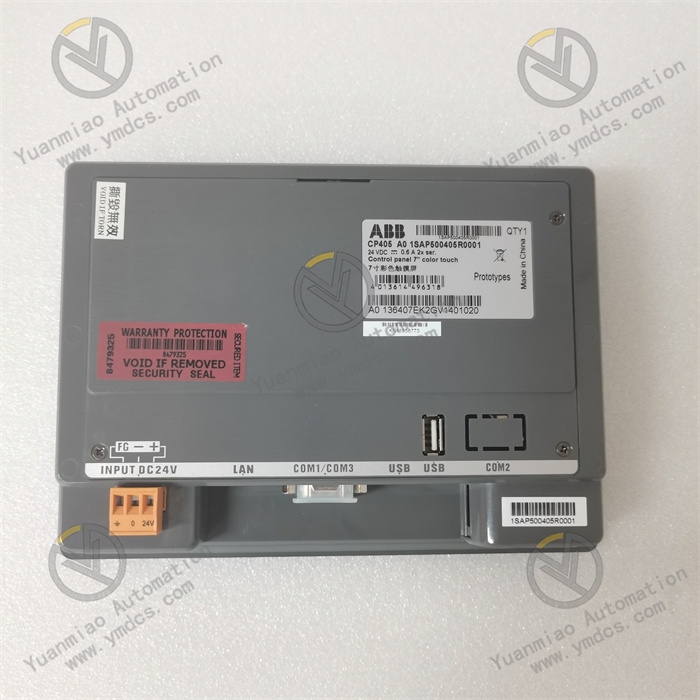
Description
ABB CP511 1SBP260173R1001
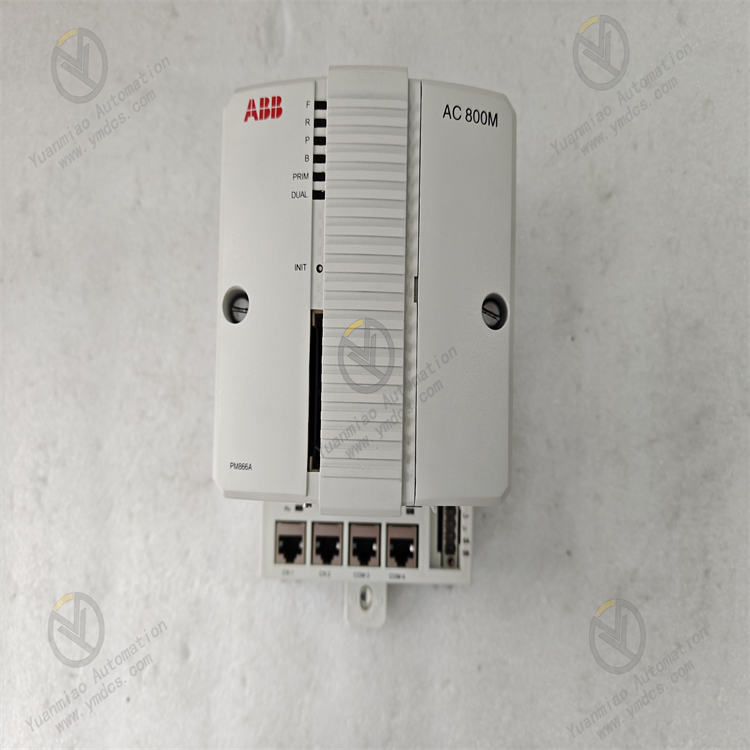
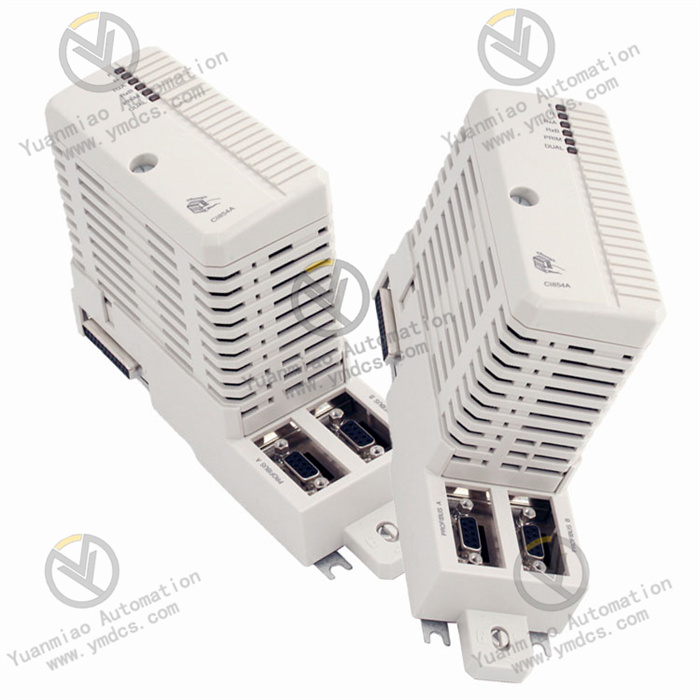
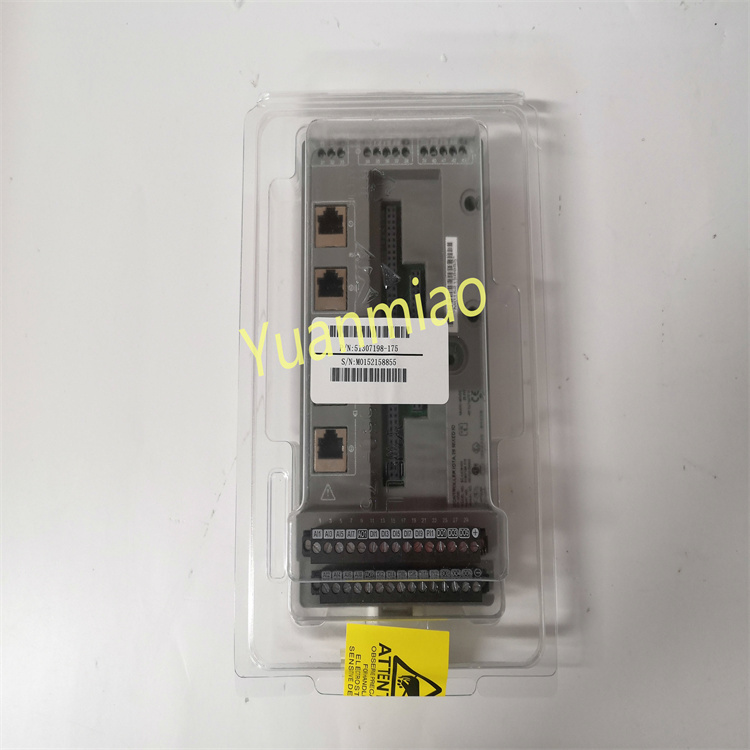
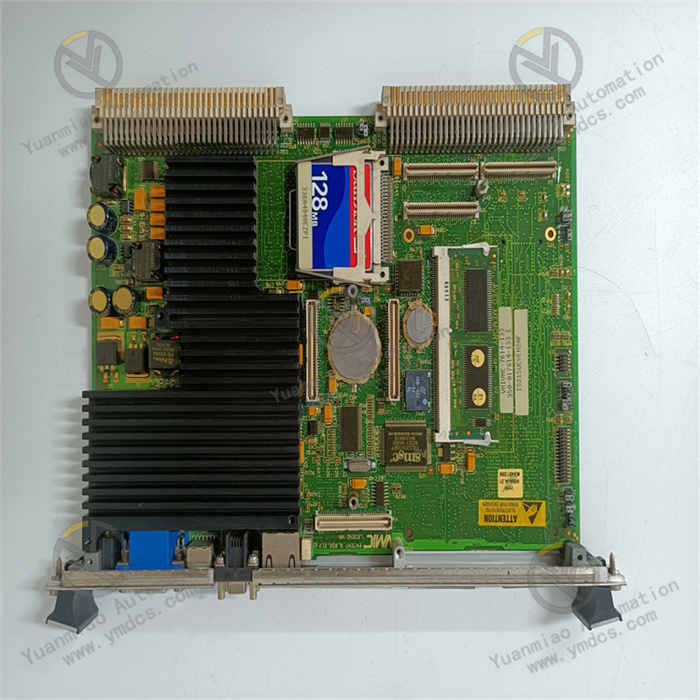
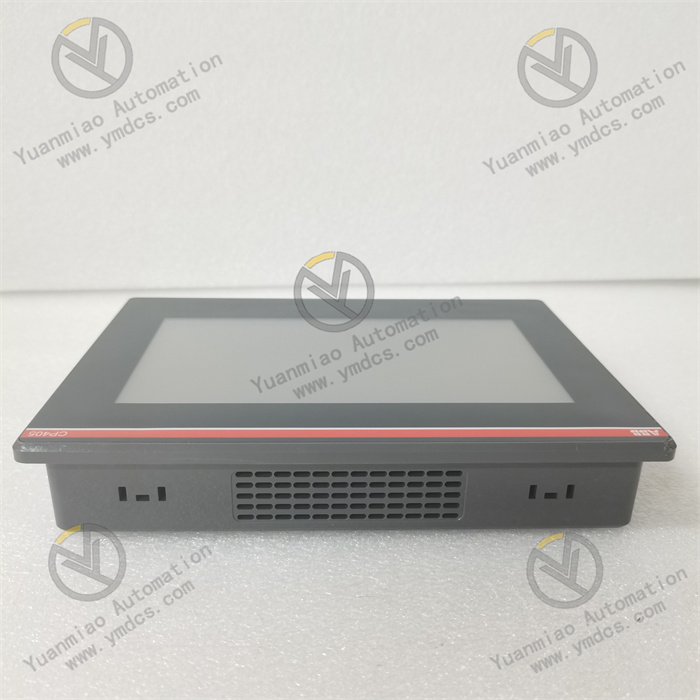
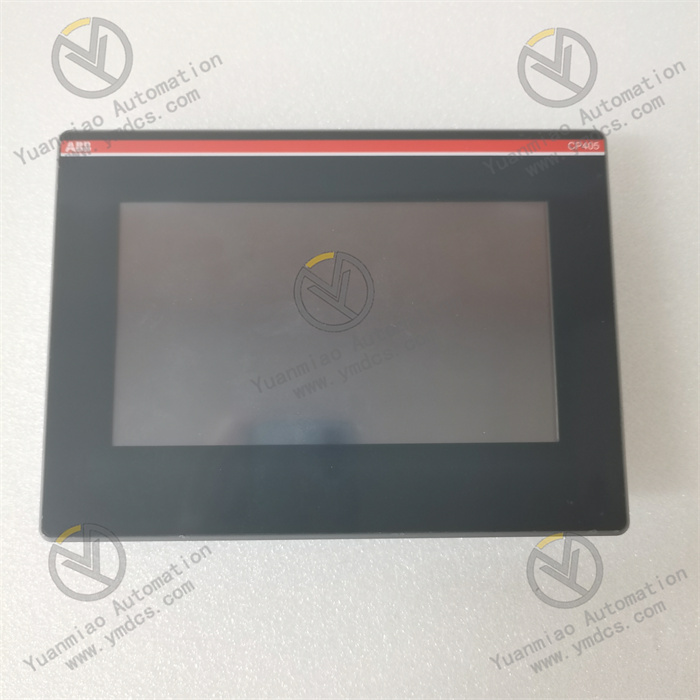
ABB CP511 1SBP260173R1001 is a communication processing module, whose core positioning is to achieve efficient data interaction and command transmission between the control system and various peripherals as well as subsystems. Widely applied in large-scale industrial scenarios such as power energy, petrochemicals, metallurgical manufacturing, and municipal engineering, this module serves as a key node in the system's communication link, undertaking core tasks including data forwarding, protocol conversion, and communication status monitoring. It can effectively break down communication barriers between different devices and different protocols, ensuring the real-time performance, accuracy, and reliability of data transmission throughout the automation system. Adopting an industrial-grade enhanced design, it features excellent anti-interference capability, flexible communication configuration characteristics, and comprehensive fault diagnosis functions. It can be seamlessly integrated with ABB series controllers (such as the 800xA system), I/O terminal units, and third-party intelligent devices, providing stable communication support for centralized monitoring and remote operation and maintenance of industrial systems.
I. Product Features
1. Multi-protocol Compatibility with Strong Communication Adaptability
2. High-speed Data Transmission with Excellent Real-time Performance
3. Industrial-grade Anti-interference Design for Stable and Reliable Operation
4. Full-link Communication Monitoring with Comprehensive Diagnostic Functions
5. Modular Architecture for Convenient Installation and Expansion
6. Wide Environmental Adaptability for Strong Working Condition Suitability
II. Technical Specifications
1. Basic Parameters
- Model: ABB CP511 1SBP260173R1001
- Product Type: Industrial Communication Processing Module
- Brand: ABB
- Product Series: Industrial Automation Communication Series
- Application Fields: Power Energy (thermal power generation, hydropower generation, new energy power generation), Petrochemicals, Metallurgical Manufacturing, Municipal Infrastructure, Intelligent Manufacturing
- Compatible Systems: ABB 800xA Distributed Control System and other mainstream industrial automation systems
- Compatible Terminal Units: ABB S800 I/O series terminal units (TU 810, TU 812, TU 814, etc.), third-party compatible industrial terminals
- Mounting Method: DIN rail mounting (compliant with EN 50022 standard)
- Net Weight: Approximately 0.42 kg
- Warranty Period: 12 months
- RoHS Compliance: Conforms to EU Directive 2011/65/EU (RoHS 2.0)
- WEEE Category: Category 5 (Small Electronic Equipment)
2. Electrical Parameters
- Supply Voltage: 24 V DC ± 10%
- Power Consumption: Typical value ≤ 6 W (full-load operating condition)
- Communication Interface Types: 4 × RJ45 Ethernet interfaces, 2 × RS485 serial interfaces
- Supported Communication Protocols: Modbus RTU/TCP, Profinet, EtherNet/IP, ABB proprietary communication protocol
- Data Transmission Rate: Up to 100 Mbps for Ethernet interfaces, up to 115200 bps for RS485 interfaces
- Communication Delay: ≤ 5 ms
- Isolation Class: Full isolation between communication interfaces and power supply, as well as between communication interfaces; rated isolation voltage 250 V AC (continuous)
- Overcurrent Protection: ≤ 30 mA per channel
- Overvoltage Protection: ≤ 36 V DC
3. Mechanical & Environmental Parameters
- Dimensions (W × H × D): 45 mm × 120 mm × 105 mm
- Operating Temperature: -25℃ ~ +70℃
- Storage Temperature: -40℃ ~ +85℃
- Relative Humidity: 5% ~ 95% RH (non-condensing)
- Electromagnetic Immunity: Compliant with EN 55011 Group 1 Class A, EN 61000-4-2 (ESD), EN 61000-4-3 (Radiated Immunity), EN 61000-4-4 (Electrical Fast Transient), EN 61000-4-5 (Surge) standards
- Vibration Resistance: Compliant with IEC 60068-2-6 standard, 10-150 Hz, acceleration 5 g
- Shock Resistance: Compliant with IEC 60068-2-27 standard, acceleration 15 g, duration 11 ms
- Protection Class: IP20 (front-end protection after DIN rail mounting)
- Enclosure Material: Aluminum alloy shielded enclosure
III. Working Principle
The core working logic of the ABB CP511 1SBP260173R1001 communication processing module follows the sequence of "Communication Link Establishment - Data Receiving/Issuing - Protocol Parsing/Conversion - Data Forwarding - Status Monitoring - Fault Feedback". The specific workflow is as follows:
- Communication Link Establishment: The module establishes physical communication connections with controllers and peripherals (sensors, actuators, HMI, etc.) through its built-in Ethernet interfaces and RS485 interfaces. Communication protocol selection and communication parameter (address, baud rate, IP address) settings are completed through software configuration to ensure the validity and compatibility of the link connection.
- Data Receiving and Issuing: On the one hand, it receives real-time operating data and status information uploaded by front-end peripherals (such as sensors); on the other hand, it receives control commands and configuration parameters issued by the controller. The module performs preliminary verification on the received data to filter out invalid data and interference signals, ensuring data integrity.
- Protocol Parsing and Conversion: In view of the differences in communication protocols of different devices, the module parses the received data through its built-in protocol parsing module, converting non-standard protocol data into a standard data format recognizable by the controller. Meanwhile, it converts the commands issued by the controller into a protocol format recognizable by peripherals, realizing the "translation" function between devices with different protocols and breaking down communication barriers.
- Data Forwarding and Interaction: The converted standard data is transmitted to the controller through a dedicated communication bus, providing data support for the controller's decision-making and analysis. At the same time, the converted control commands are accurately forwarded to the corresponding peripherals, realizing the controller's remote control and parameter configuration of terminal devices.
- Status Monitoring and Fault Feedback: The module real-time monitors the connection status, data transmission rate, and protocol interaction status of each communication link, while monitoring its own supply voltage, internal chip operating temperature, and circuit running status. When faults such as link interruption, data packet loss, protocol mismatch, voltage abnormality, and chip overheating are detected, it immediately activates the fault diagnosis mechanism, generates detailed fault codes including the faulty link, fault type, and fault time, and feeds them back to the control system through the communication link. At the same time, it triggers the corresponding local alarm indicators (power alarm, Ethernet communication alarm, RS485 communication alarm) to remind maintenance personnel to handle the problem in a timely manner.
IV. Common Troubleshooting
| Fault Phenomenon | Possible Causes | Troubleshooting and Solutions |
|---|---|---|
| Power indicator not lit, module unresponsive | Abnormal power supply (power failure, voltage exceeding the range of 24 V DC ± 10%), loose power terminal wiring or reversed positive and negative poles, damaged connecting wire between the module and power supply, internal power circuit failure | Use a multimeter to measure the voltage of the power supply terminals and confirm that the voltage meets the requirement of 24 V DC ± 10%; check whether the power terminal wiring is firm, verify the correctness of the positive and negative pole connection, and re-tighten the wiring; check whether the connecting wire between the module and the power supply is damaged or broken, and replace the damaged connecting wire; if the above checks are all normal but the module remains unresponsive, there may be a failure in the module's internal power circuit, and you need to contact ABB authorized after-sales service for maintenance or module replacement. |
| Communication link interruption, unable to interact with controllers/peripherals | Loose or broken communication cable connections, damaged communication interfaces, mismatched communication parameters (IP address, baud rate, protocol type, device address), strong external electromagnetic interference, communication module failure of controllers/peripherals | Re-plug the communication cables and check whether the cable connections are firm; use a multimeter to detect whether the cables are broken, and replace damaged or aging communication cables (it is recommended to use Category 5e shielded network cables for Ethernet and twisted pair shielded cables for RS485); check whether the pins of the communication interfaces are bent or oxidized, clean the oxide layer of the interfaces, and contact after-sales service for maintenance if damaged; verify whether the communication parameters (IP address, subnet mask, gateway, baud rate, protocol type) of the module are consistent with those of the controllers and peripherals, and reconfigure through software if they do not match; check whether the module installation location is close to strong interference sources such as frequency converters and high-voltage cables; if there is strong interference, install a metal shield or adjust the installation location, and ensure that the shielded cable is grounded at one end (controller end); connect the module to other normal controllers/peripherals for testing to determine whether there is a communication module failure of the controller/peripheral, and repair or replace the corresponding equipment if it fails. |
| Severe data packet loss during transmission, high communication delay | Poor quality communication cables (unshielded, too thin wire diameter), communication distance exceeding the module's support range, network congestion (Ethernet communication), strong external electromagnetic interference, unreasonable configuration of module communication parameters (too low baud rate, too short timeout time) | Replace with high-quality shielded communication cables (select Category 5e or higher shielded network cables for Ethernet and shielded twisted pair cables for RS485), and ensure that the cable shield is grounded at one end; check the communication distance, and if it exceeds the module's rated communication distance (≤ 100 m for Ethernet, ≤ 1200 m for RS485), install a signal amplifier or fiber converter; in case of packet loss in Ethernet communication, check the number of devices in the network, reduce unnecessary network nodes, and avoid network congestion; keep away from strong interference sources, and install an electromagnetic shielding device if necessary; reconfigure the module's communication parameters, appropriately increase the baud rate (which must match the peripherals), extend the communication timeout time, and optimize the data transmission cycle. |
| No data transmission through a specific communication interface, interface alarm light on | Loose or broken cable of the interface, damaged or oxidized pins of the interface, failure of the peripheral corresponding to the interface, damage to the internal interface circuit of the module | Re-tighten the communication cable of the interface, check whether the cable is broken, and replace it with a new cable for testing; check whether the pins of the interface are bent or oxidized, clean the oxide layer with anhydrous ethanol, and carefully straighten the bent pins; connect the peripheral corresponding to the interface to other normal communication interfaces for testing to determine whether the peripheral is faulty, and repair or replace the peripheral if it fails; if the above checks are all normal, there may be damage to the internal interface circuit of the module, and you need to contact ABB authorized after-sales service for maintenance. |
| Protocol conversion failure, data unrecognizable | Incorrect communication protocol configuration (selected protocol does not match the peripheral), unreasonable protocol parameter settings (mismatched data bits, parity bits, stop bits), failure of the module's protocol parsing module, peripheral not enabling the corresponding communication protocol | Verify the communication protocol type supported by the peripheral, reconfigure the communication protocol of the corresponding interface of the module to ensure protocol matching; check whether the protocol parameters (data bits, parity bits, stop bits) are consistent with those of the peripheral, and re-adjust the parameters and save them; connect the module to a known normal peripheral with the same protocol for testing to determine whether there is a failure in the module's protocol parsing module, and contact after-sales service for maintenance if it fails; check the communication protocol enabling status of the peripheral, and enable the corresponding protocol according to the peripheral manual if it is not enabled. |
| Module frequently triggers alarms, unstable communication | Excessive fluctuation of supply voltage, continuous strong external electromagnetic interference, module installation ambient temperature exceeding the range of -25℃ ~ +70℃, outdated module firmware version, compatibility abnormality between the module and controller | Measure the supply voltage, and install a regulated power supply at the front end if the fluctuation is excessive; optimize the module installation location, keep away from strong interference sources such as frequency converters and high-voltage cables, replace with high-quality shielded cables, and strengthen electromagnetic protection; check the installation ambient temperature, and take cooling or heat preservation measures if it exceeds the applicable range; contact ABB official to obtain the latest firmware version and upgrade the module firmware; confirm the model and version compatibility between the module and the controller, and perform software adaptation or replace with a compatible module if they are incompatible. |