Description
ABB SNAT1405SCL
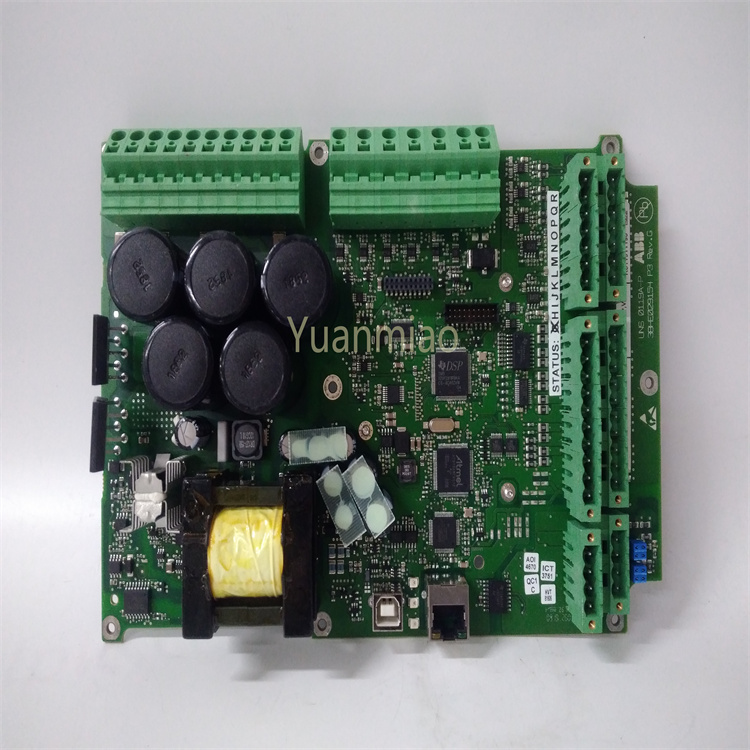
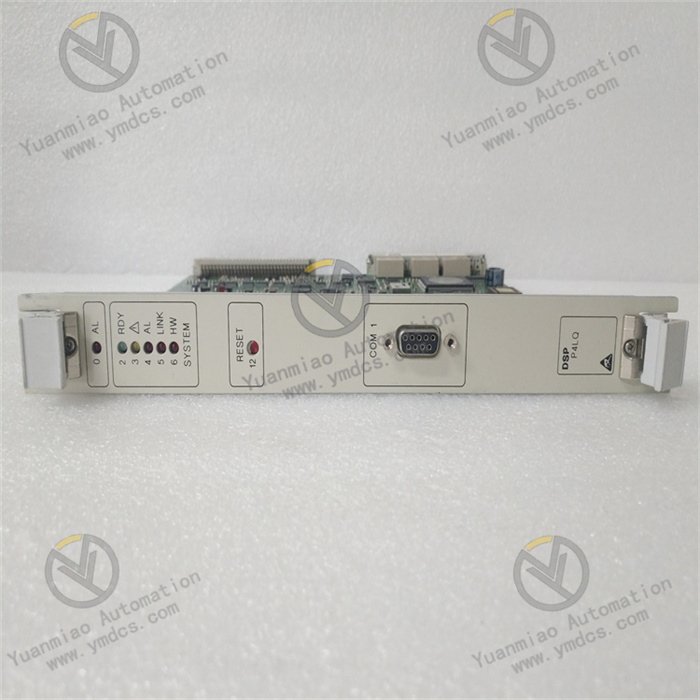
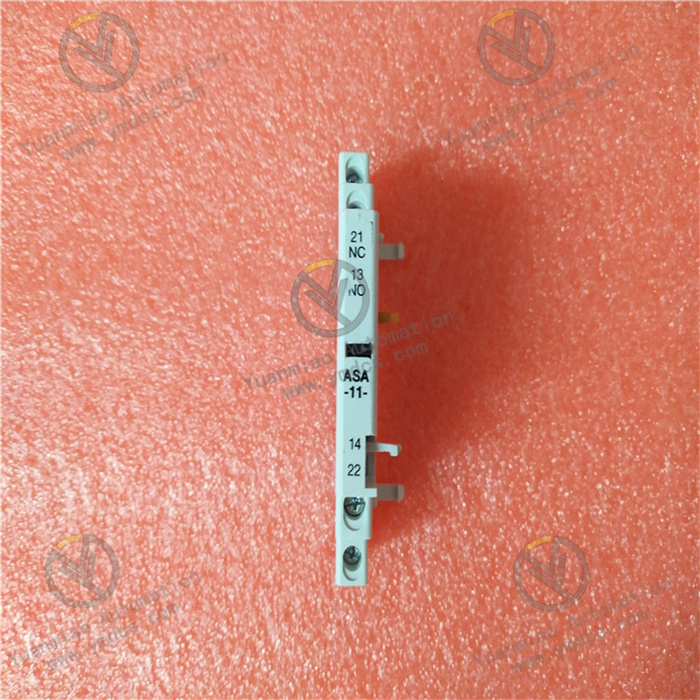
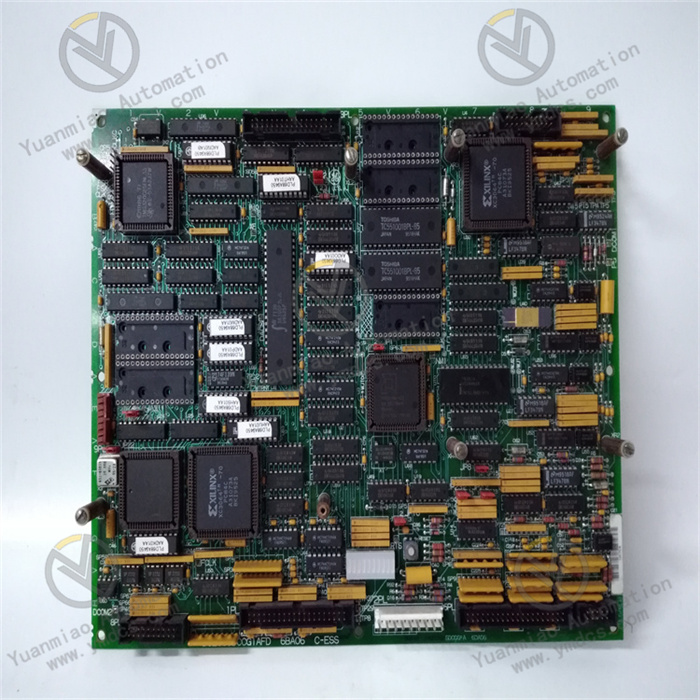
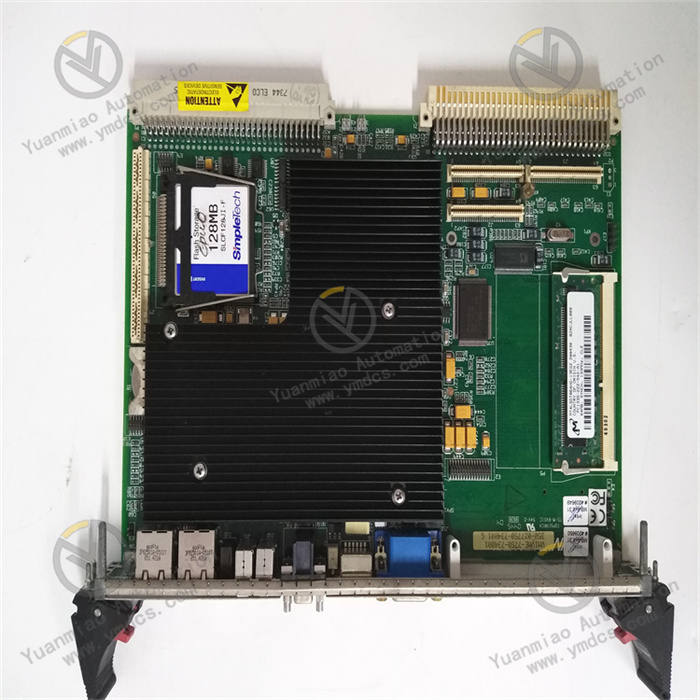
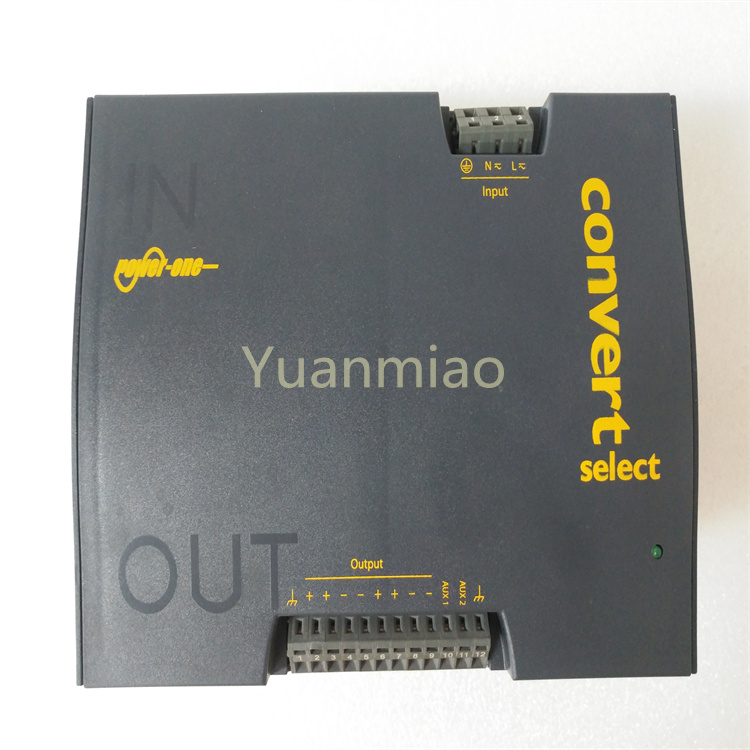
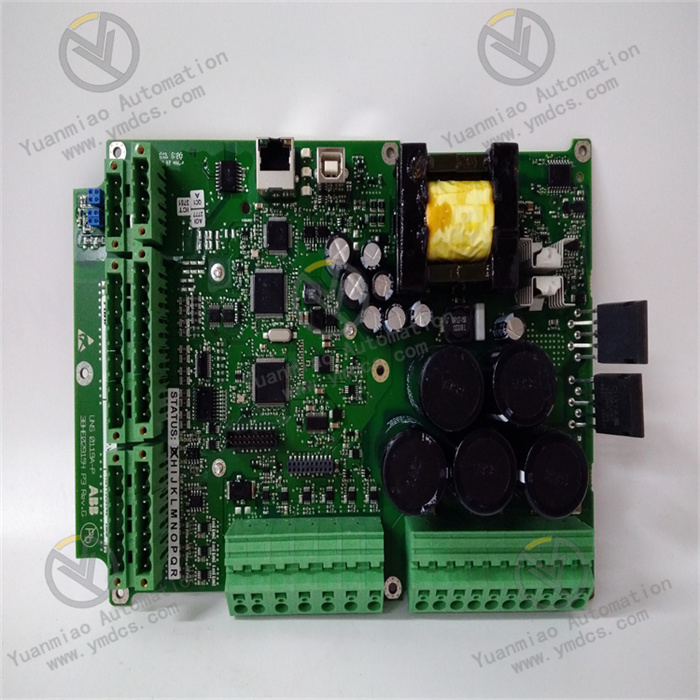
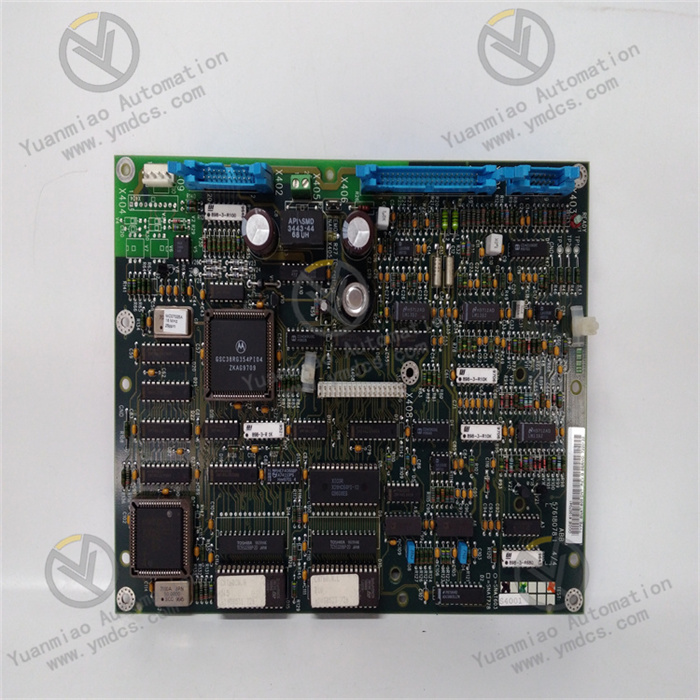
ABB SNAT1405SCL is an original SCL configuration auxiliary module designed by ABB specifically for Substation Automation Systems (SAS). It is core compatible with the IEC61850 standard and is used for configuration description and communication debugging of Intelligent Electronic Devices (IEDs) in substation automation systems. It is a key supporting component for realizing the standardization and normalization of substation automation system configuration. This module can accurately parse SCL (Substation Automation System Configuration Description Language) files, support the import, parsing and debugging of IED Capability Description (ICD), Substation Configuration Description (SCD) and other files, help engineers complete IED equipment parameter configuration, communication link verification and system function debugging, ensure communication compatibility and stable data transmission between various devices in the substation automation system. It is widely used in the deployment, debugging and operation and maintenance scenarios of various substation automation projects, adapts to the automation control needs of high-voltage and medium-voltage substations, and provides technical support for the safe and efficient operation of substations.
I. Functions and Technical Advantages
1. Core Functions
- Full-process SCL File Processing: Supports the import, parsing, editing and export of SCL files under the IEC61850 standard, can accurately identify various SCL file formats such as ICD and SCD, clearly present IED equipment configuration parameters, communication link relationships and functional logic, provide engineers with an intuitive configuration operation interface, and simplify the configuration process.
- IED Equipment Configuration and Debugging: Can connect to various ABB IED equipment in the substation, realize batch configuration and individual debugging of equipment parameters, support parameter modification, saving and backup, verify the communication function and logical correctness of IED equipment, ensure that the equipment operates stably according to preset requirements, and reduce debugging difficulty.
- Communication Link Verification: Built-in communication detection function, can real-time monitor the communication status between IED equipment and the system, troubleshoot abnormal problems such as communication interruption, data loss and signal attenuation, assist engineers to quickly locate communication fault points, and ensure the communication stability and reliability of the substation automation system.
- System Compatibility Adaptation: Compatible with the full range of ABB substation automation equipment, can seamlessly connect to various ABB protection devices, measurement and control devices and monitoring systems, and also support compatibility with third-party IED equipment that meets the IEC61850 standard, ensuring the coordinated operation of the entire substation automation system.
2. Key Advantages
- Genuine Original Adaptation: Designed and manufactured by ABB, strictly following the IEC61850 standard and ABB substation automation system technical specifications, 100% compatible with the full range of ABB substation automation equipment, with precise dimensions and protocol compatibility, eliminating hidden dangers such as configuration failure and communication abnormality caused by compatibility problems of third-party modules.
- Industrial-grade Stable Performance: Adopts high-quality industrial-grade components, has excellent anti-electromagnetic interference and anti-temperature fluctuation capabilities, adapts to complex industrial environments such as strong electromagnetic interference, high and low temperature alternation, and dust in the substation, operates stably and reliably, can adapt to the harsh operating conditions of the substation for a long time, and has a long trouble-free operation cycle.
- Convenient and Efficient Operation: Has a simple and easy-to-understand operation logic, supports batch import and export of parameters, simplifies the configuration and debugging process for engineers, can quickly complete IED equipment configuration and system debugging, greatly improves the deployment efficiency of substation automation projects, and reduces operation and maintenance costs.
- Standardization and Compliance: Fully complies with the requirements of the IEC61850-6 standard for SCL language, ensures the compatibility and standardization of SCL files, helps the substation automation system meet industry standards and acceptance requirements, and facilitates later system expansion and upgrading.
II. Technical Specifications
Category | Item | Value |
|---|---|---|
Basic Specifications | Model | SNAT1405SCL |
Product Type | SCL Configuration Auxiliary Module for Substation Automation System | |
Applicable Standard | IEC61850 Standard (supports IEC61850-6 SCL language) | |
Compatible Equipment | Full range of ABB substation automation IED equipment, third-party IED equipment meeting IEC61850 standard | |
Environmental & Mechanical | Operating Temperature | -25℃~+70℃ (adapts to indoor and outdoor installation environments of substations) |
Protection Degree | IP20 (module itself, must be installed in IP54 or higher control cabinet) | |
Communication & Power Supply | Communication Protocol | IEC61850 MMS/GOOSE/SV Protocol |
Power Input | 24VDC (wide voltage adaptation, fluctuation range ±10%) | |
Communication Interface | Ethernet (RJ45), supports 10/100Mbps auto-adaptation |
III. Application Areas
- High-voltage Substation Automation: Used for the deployment and debugging of 110kV and above high-voltage substation automation systems, handling SCL file configuration, IED equipment debugging and communication link verification, ensuring the coordinated operation of substation protection, measurement and control, and monitoring systems, and guaranteeing the safety and stability of the high-voltage power grid.
- Medium-voltage Substation Automation: Adapts to 35kV and 10kV medium-voltage substations, assists in completing IED equipment parameter configuration and system function debugging, simplifies the deployment process of substation automation projects, improves operation and maintenance efficiency, and is suitable for medium-voltage substation scenarios such as industrial plants and urban distribution networks.
- Substation System Retrofit and Expansion: When retrofitting the substation automation system, adding or upgrading IED equipment, it is used for SCL file update, new equipment configuration debugging and communication compatibility verification, maintaining the standardization and normalization of the entire system configuration, and ensuring the stable operation of the system after retrofit and expansion.
- Substation Operation and Maintenance Inspection: Used for daily operation and maintenance and fault troubleshooting of substations, can quickly parse SCL files, verify IED equipment parameters and communication status, assist engineers to locate problems such as configuration errors and communication faults, shorten inspection time, and improve operation and maintenance efficiency.
IV. Installation and Use Guide
1. Pre-Installation Preparation
- Model Verification: Confirm that the SNAT1405SCL module is compatible with the used substation automation system and IED equipment models, check that the module has no external damage, no loose components, and no damaged interfaces, ensuring that the module can be used normally.
- Environment and Safety: Disconnect the power of the substation control cabinet and wait for the capacitors to discharge for ≥ 5 minutes; wear an anti-static wristband to avoid static damage to the module and IED equipment; the installation environment must be dry, free of condensation and conductive dust, away from strong electromagnetic interference sources, and in line with substation installation specifications.
- Tools and Materials: Prepare RJ45 network cables, wire crimpers, screwdrivers, and cleaning brushes; clean the installation position in the control cabinet and the module interface to ensure the installation surface is flat and the interface is clean and free of foreign objects, and prepare relevant SCL files (ICD, SCD files) at the same time.
2. Installation and Use Operation
- Module Installation: Fix the SNAT1405SCL module at the designated installation position in the control cabinet, tighten the fixing screws to ensure the module is installed firmly and without looseness; pay attention to the installation direction of the module to avoid blocking the interface, which is convenient for wiring and later maintenance.
- Wiring Operation: Connect the module to IED equipment and monitoring host with RJ45 network cables, ensure the network cable wiring is standardized and in good contact; connect 24VDC power supply, check the positive and negative poles of the power supply to avoid reverse connection leading to module damage; sort out the cables after wiring, fix them with cable ties to avoid cable extrusion and pulling.
- System Configuration: Start the module and related equipment, import the preset SCL files (ICD/SCD), parse the file content, check the IED equipment parameters and communication link configuration, modify relevant parameters according to project requirements, save and back up the configuration to ensure the configuration parameters are accurate.
- Debugging and Confirmation: Start the communication detection function to verify the communication status between the module, IED equipment and monitoring system, and troubleshoot communication abnormalities; debug the IED equipment function to confirm that the equipment operates normally according to the configuration parameters; after completing the debugging, generate a debugging report for filing and future reference.
3. Maintenance and Replacement
- During daily maintenance, regularly check the module operation status and interface connection, clean the module surface and interface dust to avoid poor contact caused by dust accumulation; regularly back up SCL configuration files to facilitate later fault recovery and system upgrading.
- When the module fails (such as unable to parse SCL files, communication interruption), first check whether the wiring, power supply and SCL files are normal; if the module failure is confirmed, disconnect the power supply and wiring, gently disassemble the module, replace it with a new SNAT1405SCL module, and rewire, configure and debug.
- Avoid using corrosive cleaning agents to wipe the module to prevent component aging and damage; do not use violent operations when disassembling the module to avoid damaging the module interface and other equipment in the control cabinet; when storing the module, place it in a dry, cool and electromagnetic interference-free environment to avoid module damage caused by humidity and high temperature.
V. Common Problems and Solutions
- SCL file cannot be imported or parsed: Check whether the SCL file format conforms to the IEC61850-6 standard and whether the file is damaged; check the compatibility between the module and IED equipment, and confirm that the equipment model in the SCL file is consistent with the actual equipment; re-obtain or repair the SCL file and import and parse it again.
- Communication abnormality between module and IED equipment: Check whether the RJ45 network cable wiring is firm and standardized, and whether the network cable is damaged; check whether the communication parameters (IP address, port number) are correct; check the operation status of the IED equipment, restart the module and IED equipment, and re-verify the communication link.
- Parameters cannot be saved after configuration: Check whether the power input is stable and whether there is voltage fluctuation; confirm that the module storage function is normal; if the storage is abnormal, back up the existing configuration, replace the module and re-import the configuration and save it; check whether the operation steps are standardized, and ensure that the save operation is performed after the configuration is completed.
- Module cannot start or operates abnormally: Check whether the positive and negative poles of the power supply are reversed and whether the power supply voltage is within the applicable range; check whether the module components are loose or damaged and whether the interface is in good contact; if the module fails, replace it with a new module in time and re-install and debug.